Terminals and agents
A worktree can hold as many shell and agent sessions as you like. Each is a real PTY in the Rust backend, running in the worktree's directory, on its pinned toolchain, through your login shell. Sessions keep running when you switch worktree, and they survive a webview reload.
Terminals#
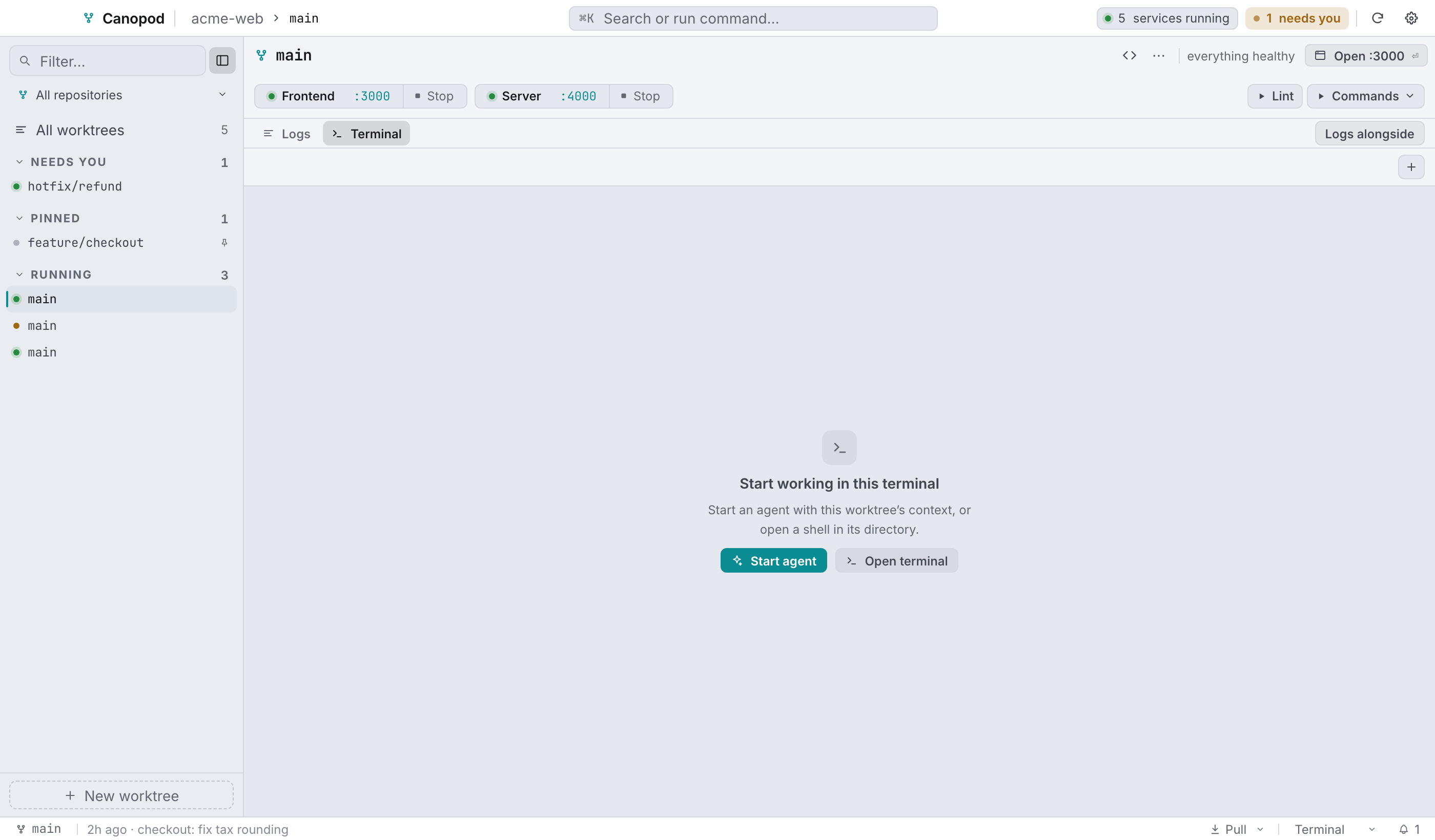
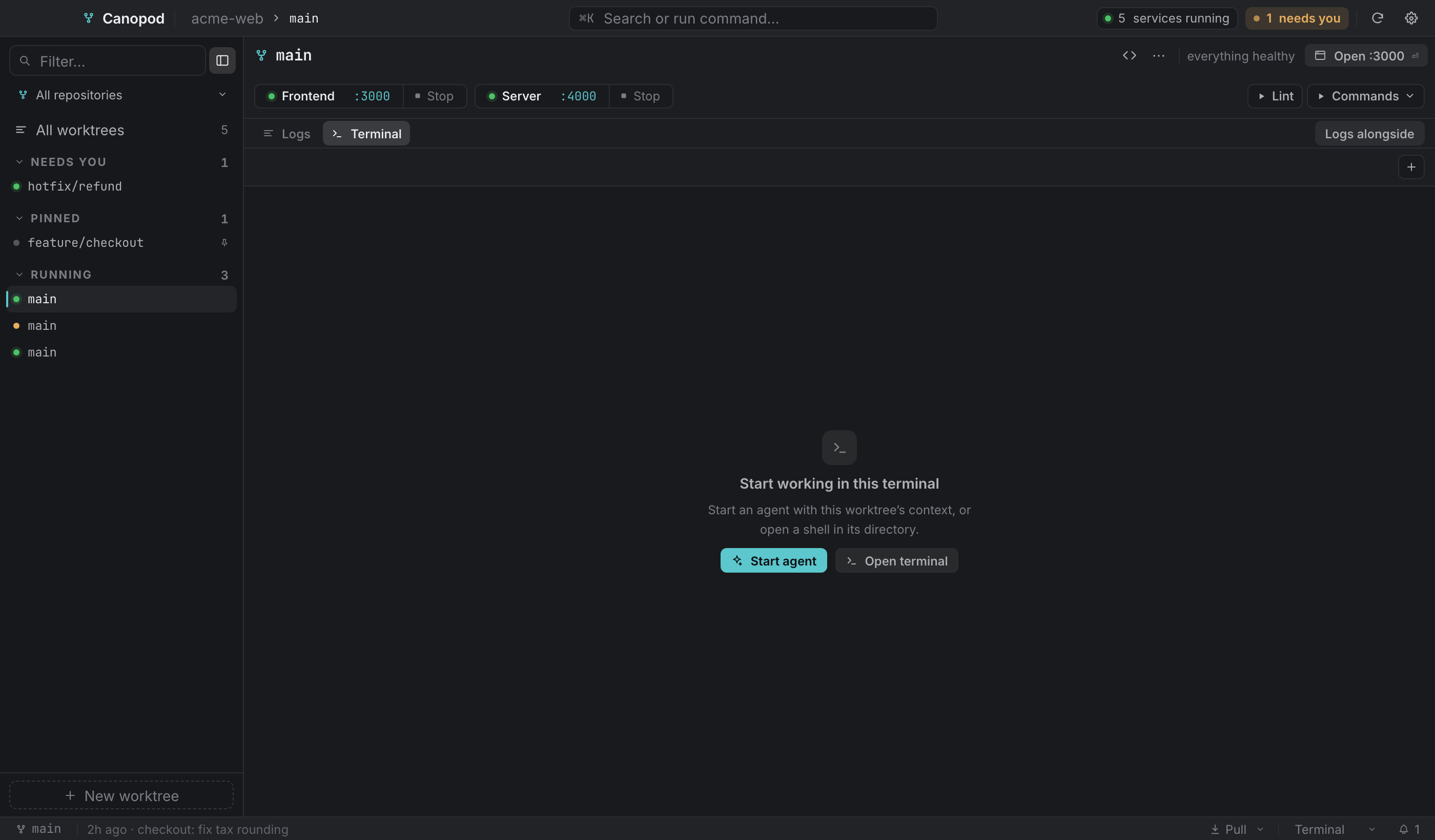
Open Terminal with ⌘2, or Terminal + logs with ⌘3. The shared + menu offers Open terminal and Start agent. The empty state offers both actions too. Shell and agent sessions share one strip; switching between Logs and Terminal preserves them. Logs alongside adds service output beside the selected session.
Each tab is a login shell in the worktree root. + adds another, and tabs are named Shell, Shell 2, and so on. Closing a tab kills its PTY. Idle shell sessions are swept after an hour of inactivity, which keeps memory and threads in check across a long day of visiting many worktrees. Agent sessions are exempt.
Agents#
An agent here is a coding-agent CLI (Claude Code, Codex, Aider, whatever you use) launched as its own PTY with Canopod's structured handoff as its first prompt.
You configure the launchers per repository in Settings → Agents: a name, the command, and whether to prompt on launch. The first profile is the default. Configure more than one and starting an agent asks which; with one, it stays a single click.
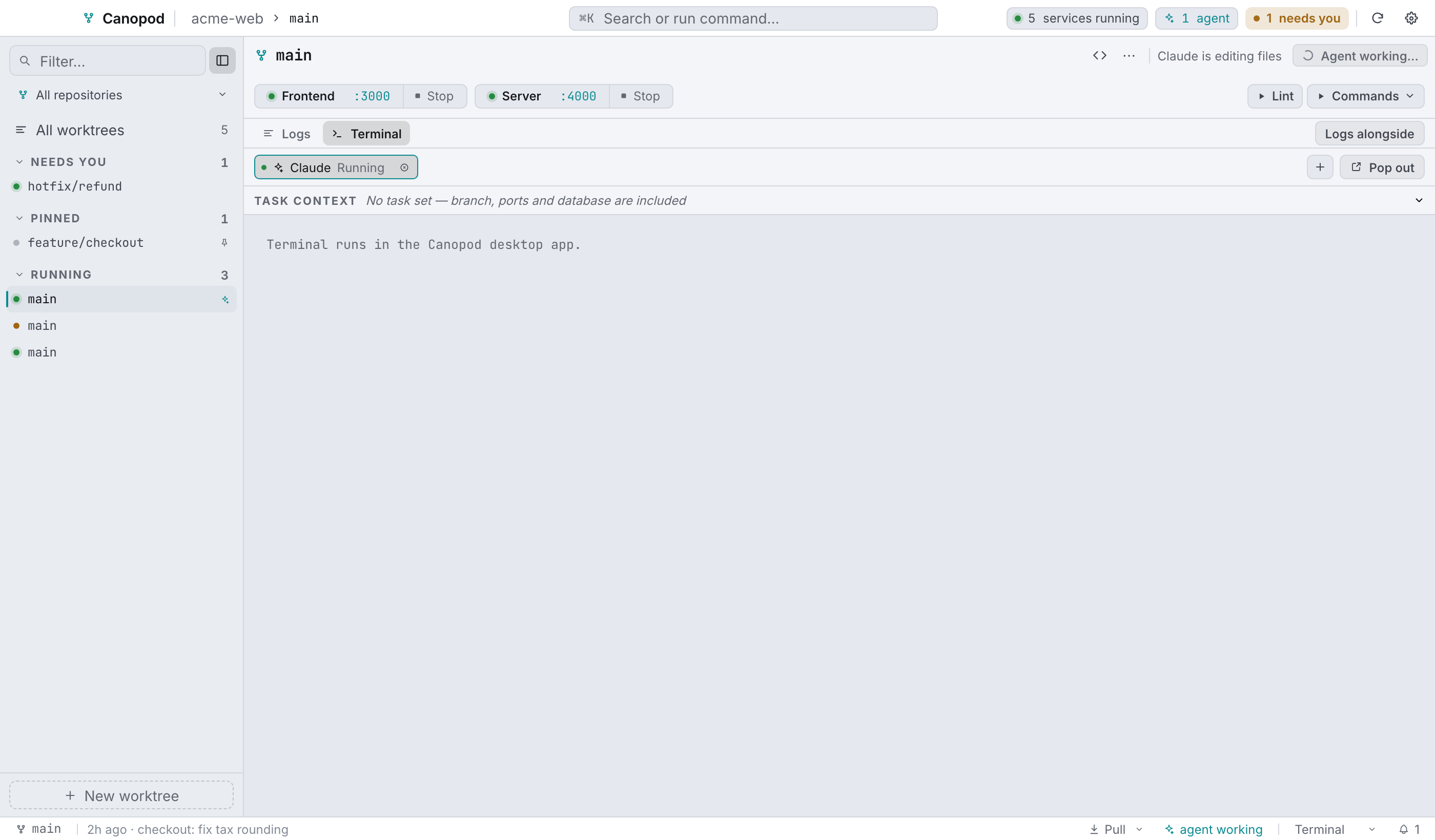
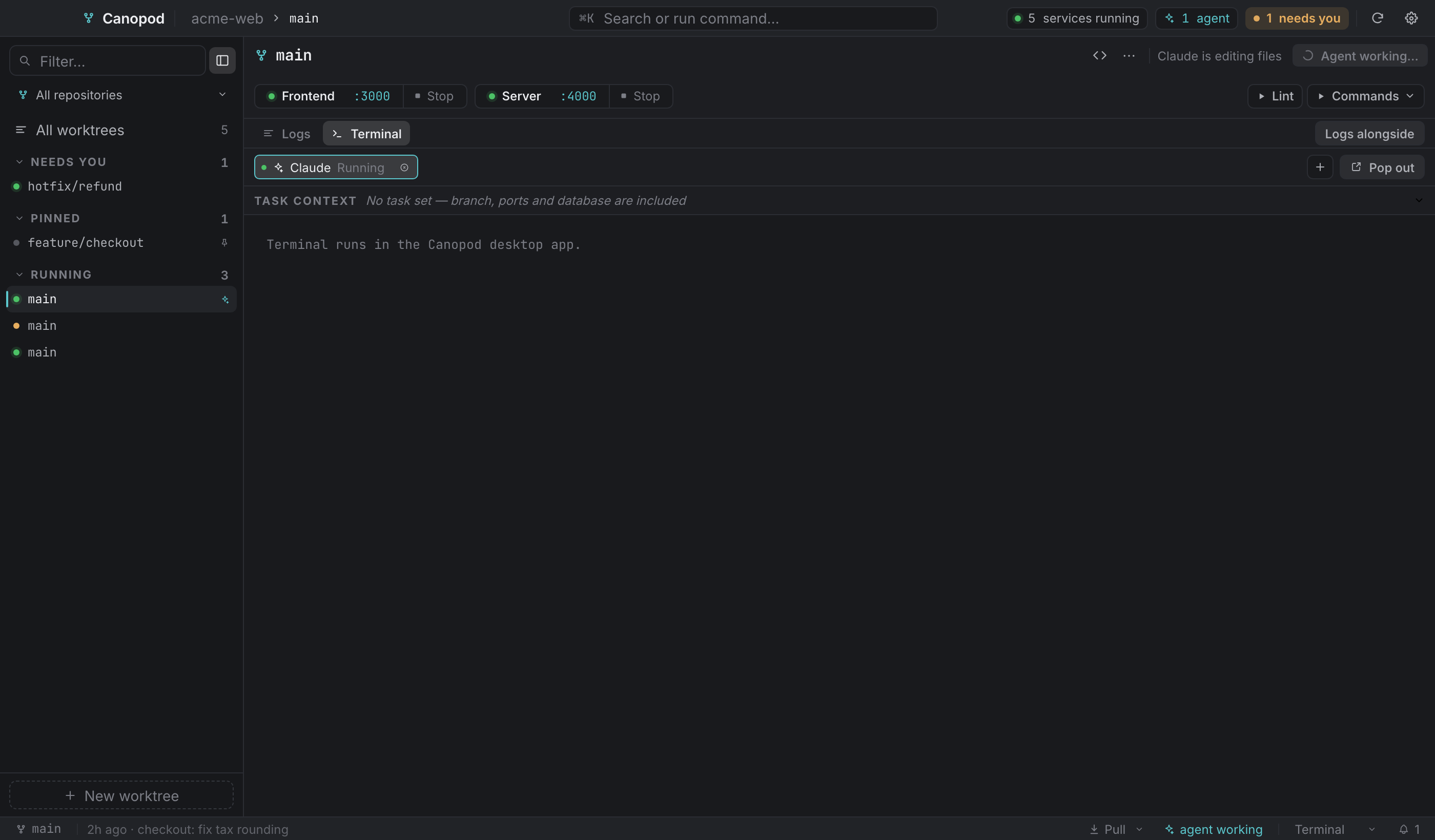
Start one with ⌘2 then Start agent, the next-action button when it reads Start agent, ⌘K → Start agent here, or Start agent from the context editor (⌘⏎).
What launching actually does#
- Reads the worktree's persisted context, so an edit you made a moment ago is included.
- Writes the full handoff to
<worktree>/.canopod/context.md, creating the directory and a self-ignoring.gitignorebeside it, and never overwriting one that's already there. - Composes a compact prompt and runs
<your command> '<prompt>'as the session's command, unless the profile has Prompt on launch off. That's for CLIs that take no positional prompt, and they still get the file.
The agent is the session's command, so the tab flips to "ended" exactly when the agent exits. If an agent dies within 2.5 seconds of starting, Canopod tells you: "Claude exited immediately — check the agent command", because that nearly always means the command is wrong.
The composed prompt looks like this:
Work on <task title>. Read the complete Canopod handoff at
<worktree>/.canopod/context.md before making changes. Worktree: <repo>/<branch>;
database: <db name>; ports: Frontend:3010, Server:4010.
The context editor#
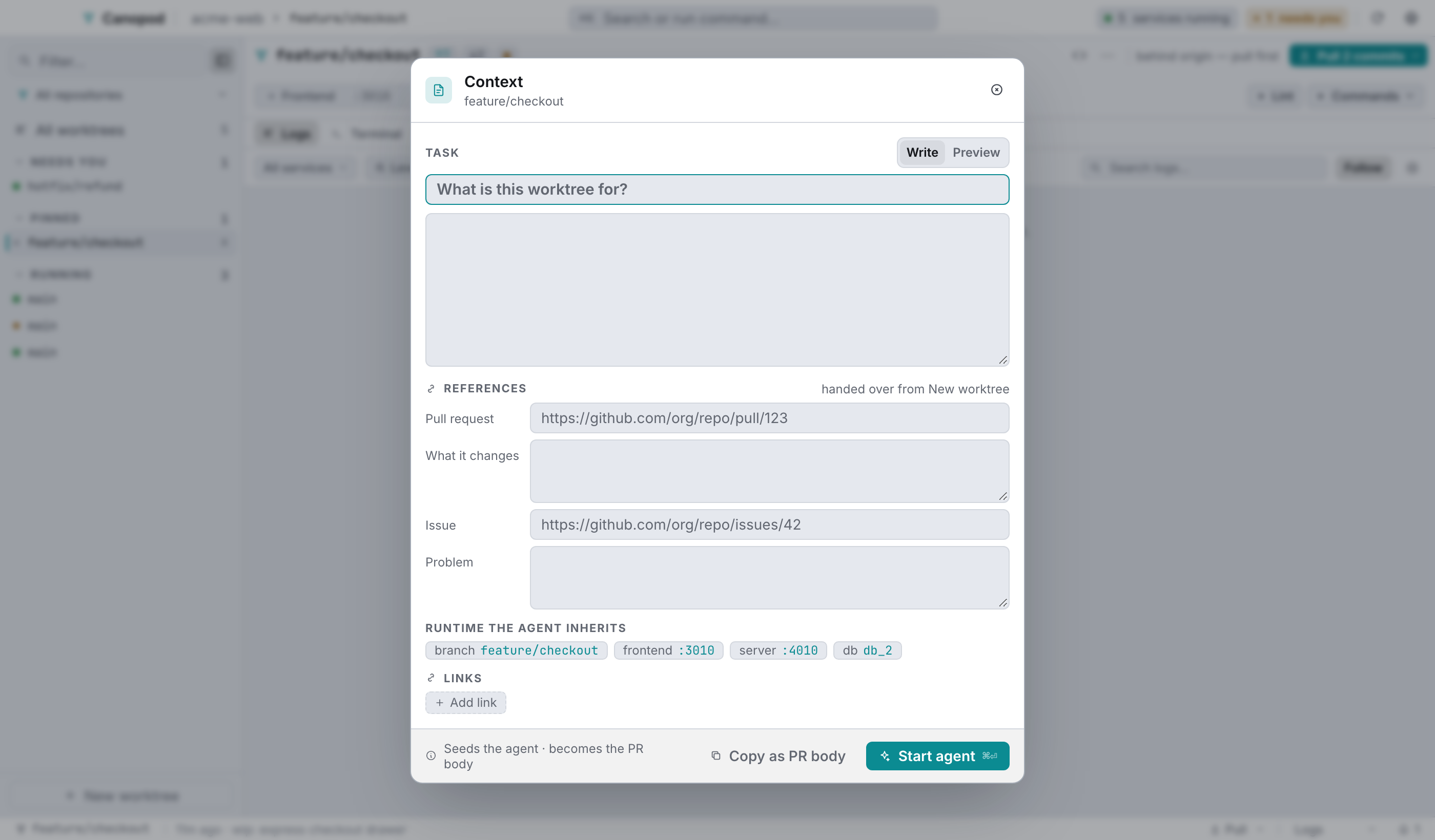
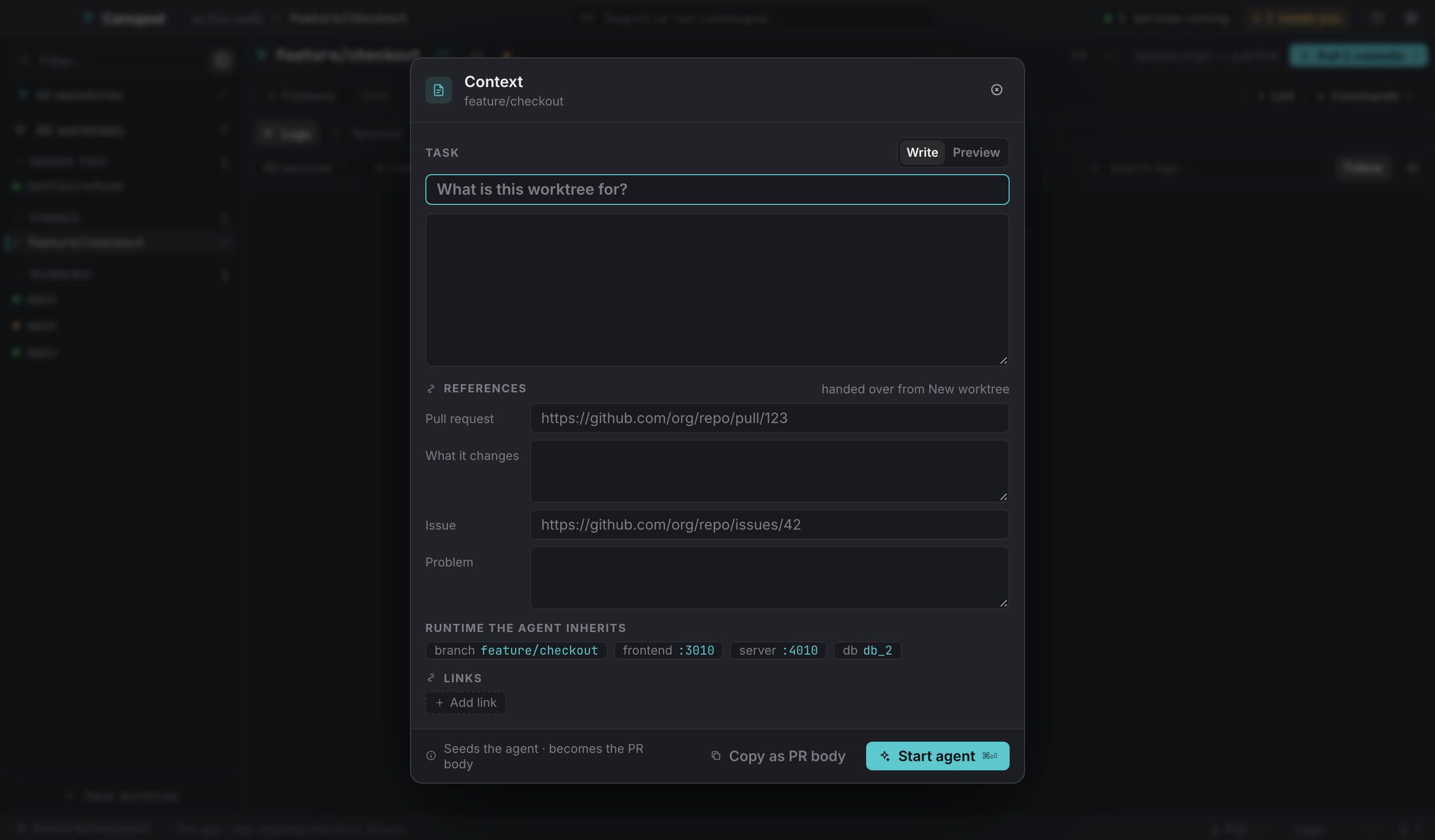
⋯ → Context…, or the context bar at the top of the selected agent session.
| Section | What it's for |
|---|---|
| Task | A title plus a markdown body, with Write and Preview tabs. This is the brief. |
| References | A pull-request URL and what it changes; an issue URL and the problem. Carried over from the New worktree dialog if you filled that in. |
| Runtime the agent inherits | Read-only: the branch, every service port, and the database name. |
| Links | Free-form links. Type one and press ⏎. |
Two ways out: Copy as PR body puts the whole composed markdown on the clipboard, the same document the agent read, and Start agent (⌘⏎) launches with this context.
The context bar in the selected agent session shows the current title, or "No task set — the agent still inherits branch, ports and database" when there isn't one. That's literally true: a blank brief still produces a handoff with the runtime facts in it.
The handoff file#
.canopod/context.md is assembled in this order: the title as an H1, the body, a Pull request section, an Issue section, a Worktree section (repository, branch, path, database, ports), then Files and Links lists when they aren't empty.
Context is stored per worktree in the webview's localStorage under canopod.ctx.<worktree path>, so it's per machine. Whether it should instead be a committed file that travels with the branch is still an open question in the project.
Sessions and detached windows#
The tab strip holds one chip per session, with a state dot (running or idle), the title, and a close button. The pop-out control sits to the right.
Pop out opens the session in its own small always-on-top window (560×360, undecorated, resizable) titled <session> — <branch>. The inline pane shows a placeholder saying "Running in a detached window", with Bring back. Closing a popped-out tab takes its window with it, so you never end up with a window attached to a PTY that's gone.
Restart on an ended session re-docks it first if it was detached, then creates a fresh PTY, so the tab can't claim to be running while nothing is.
An ended session keeps its output readable, with a bar offering Restart and Close.
Common layouts#
| Layout | Keys | Why |
|---|---|---|
| Logs | ⌘1 | Service output. |
| Terminal | ⌘2 | Shell and agent sessions. |
| Terminal + logs | ⌘3 | Selected session beside service output. |
The divider resizes between 35% and 75%, with mouse or keyboard. Narrow windows stack the panes. Ended sessions retain readable output and offer Restart and Close. Waiting detection contributes to Needs you according to notification preferences. Configure shell appearance, agent context and concurrency in Settings.