The main window
One shell, five fixed regions. Nothing floats except dialogs and popovers.
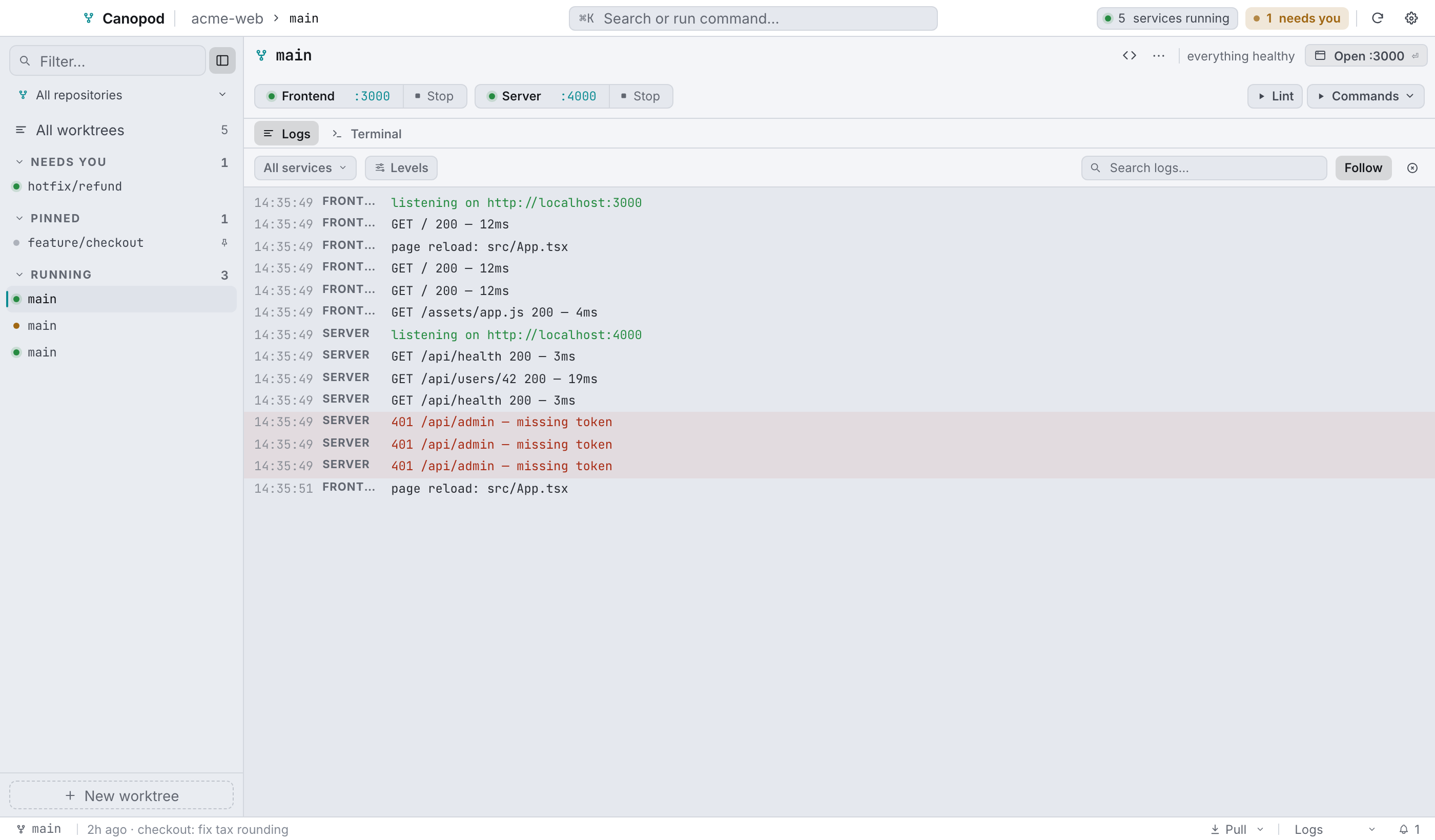
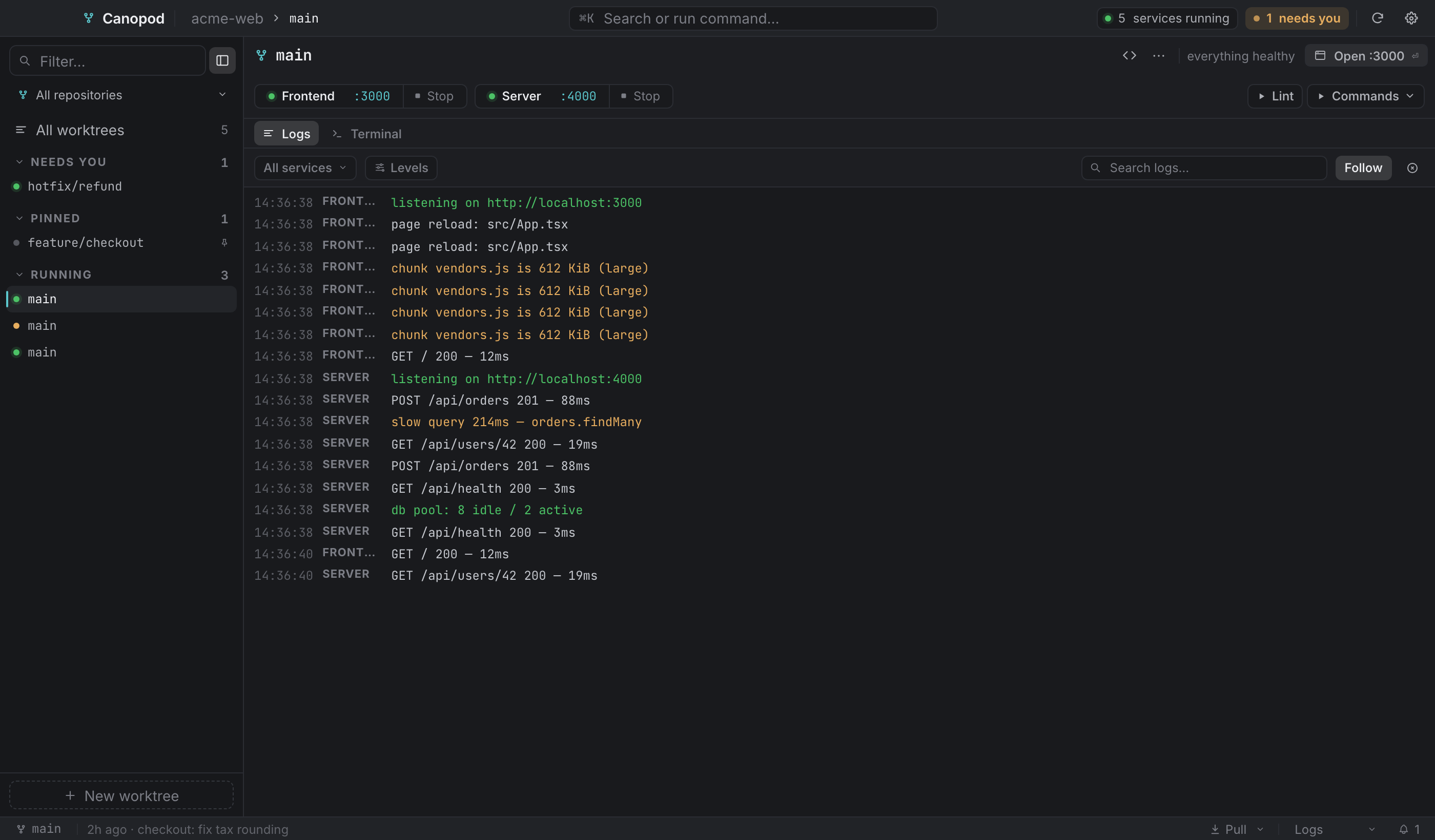
Top bar#


| Element | What it does |
|---|---|
| Brand | The Canopod mark and name. The bar is also the window's drag region. |
| Breadcrumb | repository › branch for the selected worktree. Hidden in the overview. |
| ⌘K button | Opens the command palette. |
N running chip | Total running services across every worktree. Click it for the overview. |
| Agents chip | Appears when an agent session is running. Click for the overview. |
| Needs you / All clear | The attention queue. Goes red when something crashed or a background job failed. |
| Sync | Rescans worktrees and reconciles ones deleted on disk. See below. |
| Settings | Opens Settings (⌘,). |
What Sync does#
More than a refresh:
refreshhas the backend rediscover worktrees, git metadata and services.- Open views are told to re-read each repo's
.worktreemanager.json, so edits made outside the app show up in Settings under Setup, Files and Migrate. - It lists prunable worktrees, meaning ones whose folders were deleted outside Canopod, and opens the prune dialog if it finds any. Canopod snapshots the tree before refreshing, because a vanished worktree's database name lived in its now-deleted
.envand that snapshot is the last place it exists.
Sidebar#
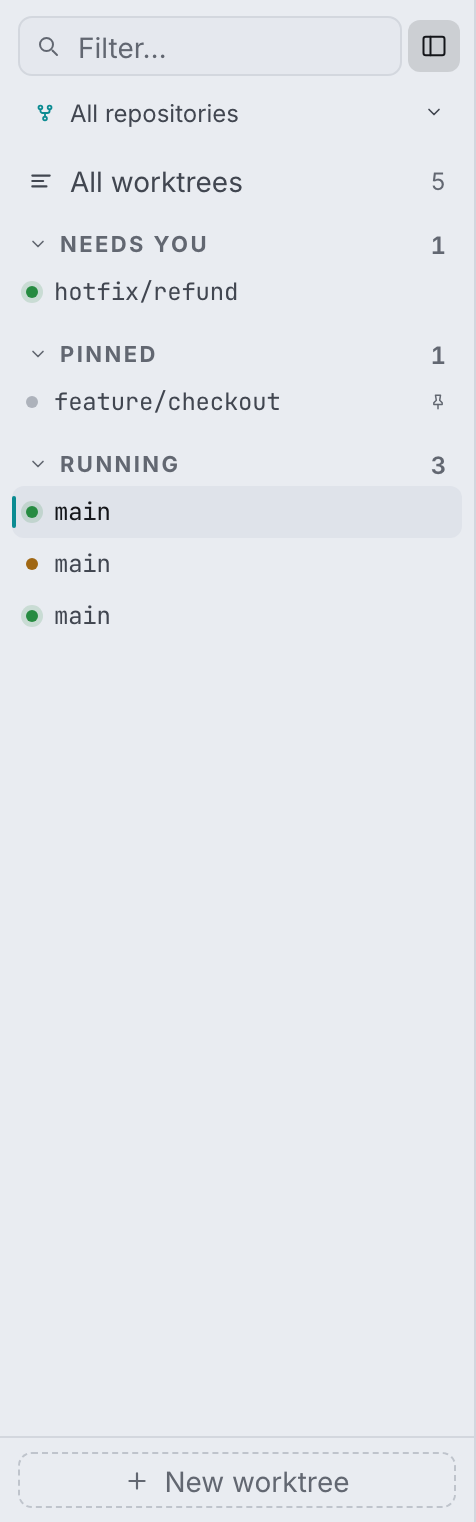
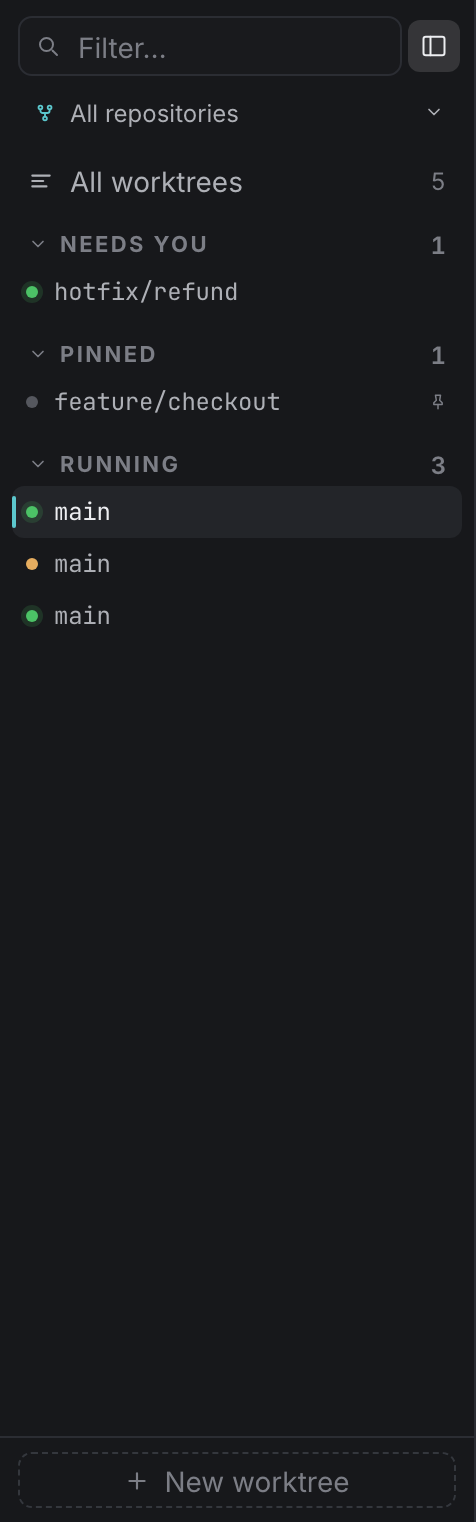
The Filter field matches branch and repository name. A repository filter appears once you have two or more repositories, ending in Add repository… ⇧⌘N below a rule. All worktrees switches to the overview (⌘O).
A worktree being created has no row in the tree yet, so it gets its own in-progress row showing the live setup step. Same when one is being removed.
Rows are grouped into Needs you, Pinned, Running and Idle. Each group collapses and shows a count. A finished background job is news rather than a demand, so it never drags its worktree into Needs you.
Each row carries:
| Part | Meaning |
|---|---|
| Status dot | green = every service running · amber = some live · red = a service crashed · faint = idle |
| Branch | Monospace, the row's identity. |
| Dirty pip | Uncommitted changes in the worktree. |
| Agent pip | Running agent sessions, with a count past one. |
| Pin | Pinned to the top group. |
| Quick actions | Start/stop all, open terminal, open in editor, pin, without opening the worktree. |
To select several: ⌘-click toggles a row, ⇧-click extends a range, and a plain click clears the multi-selection. With a selection active the footer turns into N selected · Clear · Delete N, which opens the multi-remove dialog.
⌘B hides and shows the sidebar. Hidden, a toggle appears in the worktree bar, flush against the edge the sidebar just left.
Worktree bar#
One line, and the branch is the only part that stretches:
| Element | Notes |
|---|---|
| Branch and fork glyph | Hover for the full worktree path. |
| Git chips | ↑ahead, ↓behind, ● dirty. |
| Open in editor | Uses the editor command from General settings. |
| ⋯ menu | See below. |
| The reason | A lowercase fragment explaining the button beside it. First thing to give way on a narrow window. |
| Next action | One button, named for what it will do. See The next action. |
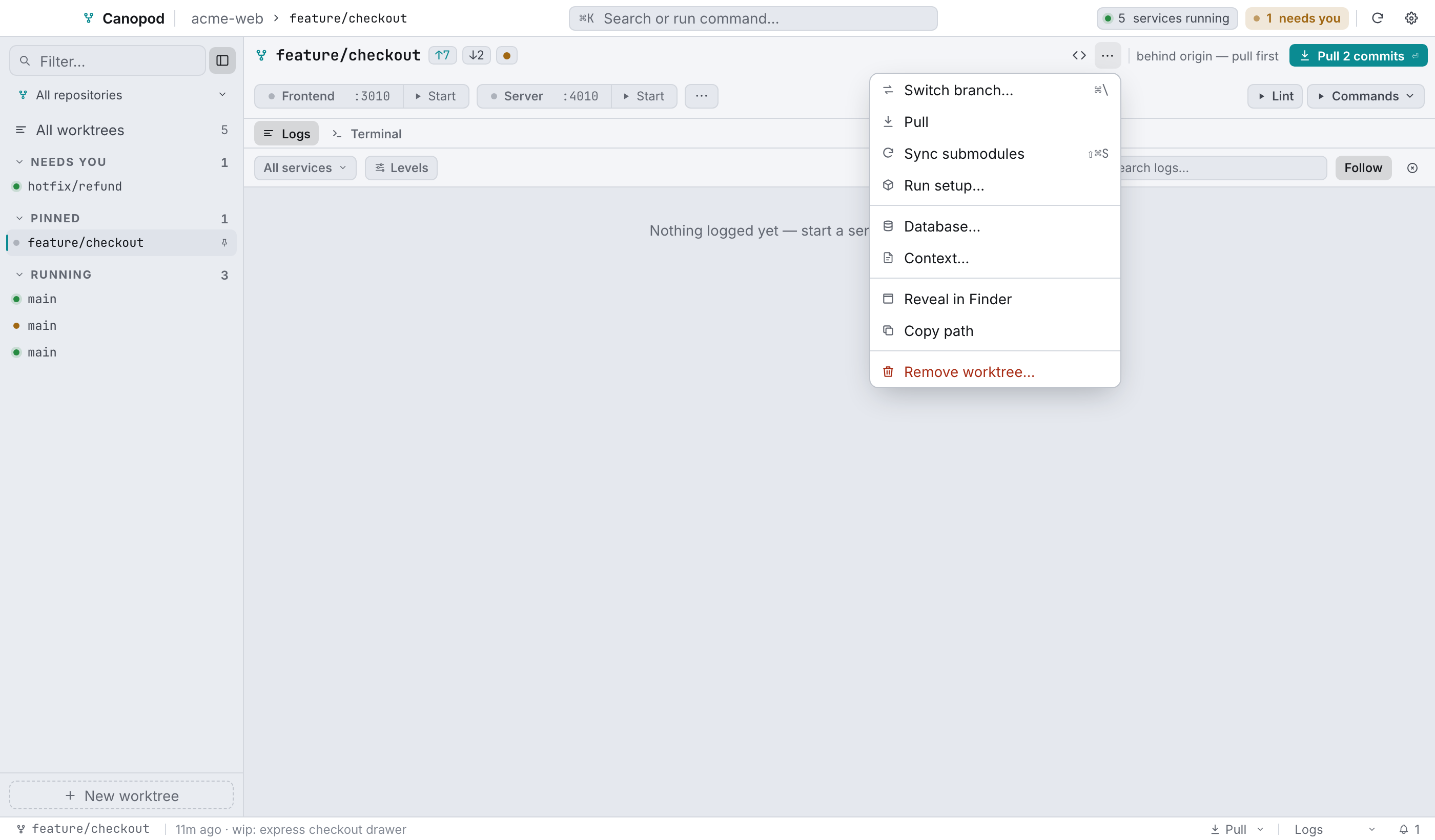
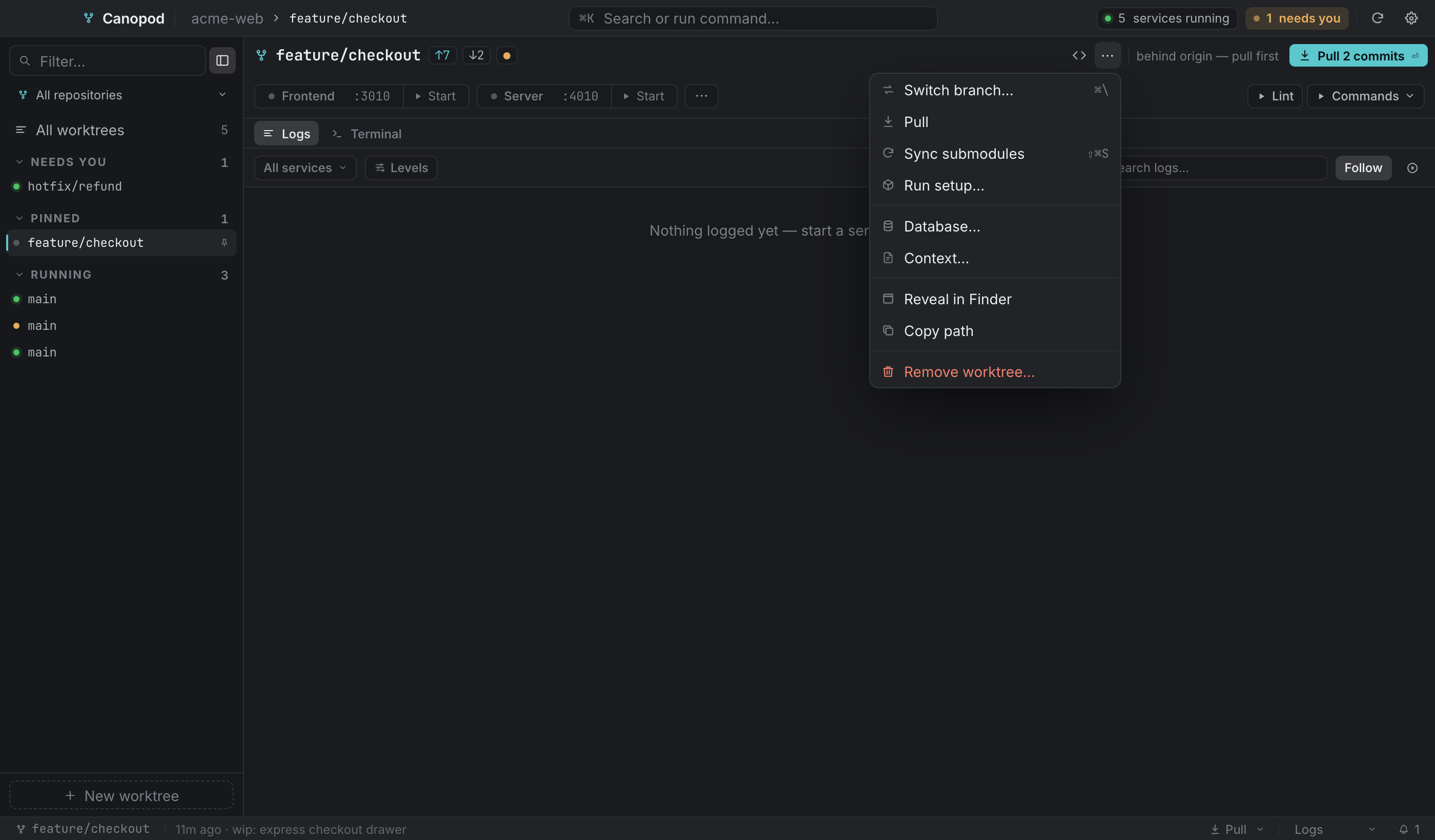
In the ⋯ menu, in order:
- Switch branch…
⌘\, if it's enabled in General settings. - Pull, the worktree and its submodules.
- Sync submodules
⇧⌘S, re-pinning submodules to the commit this worktree records. - Run setup… for the provisioning runner.
- Database… for the database tools.
- Context… for the agent context editor.
- Reveal in Finder and Copy path.
- Remove worktree…, in red, and absent on the main checkout.
Service rail#
Everything the old service cards used to say, in one 34px row. Services and ports covers it in full.


Work surface#
The work surface has Logs and Terminal views. Terminal combines shell and agent sessions, with one + menu and optional Logs alongside.
| Layout | Keys | Content |
|---|---|---|
| Logs | ⌘1 | Service output |
| Terminal | ⌘2 | Shell and agent sessions |
| Terminal + logs | ⌘3 | Selected session and service output |
The divider supports mouse and keyboard resizing between 35% and 75%. Narrow windows stack the panes. Switching views preserves sessions and filters.
Status bar#


| Element | What it does |
|---|---|
| Branch | Opens Switch branch when that action is enabled, otherwise it's plain text. |
Header ↑a ↓b | Ahead and behind origin. |
| Header change dot | Opens the commit / stash / discard dialog. |
| Last commit | Relative time and subject. |
| Pull + caret | Pull everything, or open the per-submodule popover. |
| Layout | The current preset's name. Click to select (⌘1–⌘3). |
| Bell | The attention queue count. |
In the overview the bar shrinks to All worktrees · N worktrees · M repositories plus the bell.
Empty states#
Every region has one, and each ends on a next step instead of an apology:
- No repositories yet, with a button into the add-repository screen.
- No services configured for this worktree, said by the rail, while the logs pane offers the next action instead of an empty stream.
- No agent running here and No terminal open here, each with a line about what starting one gives you.
Text zoom#
⌘+ and ⌘- move the app's whole type ramp in 10% steps between 80% and 160%. ⌘0 resets it. It applies live in every Canopod window and it persists.
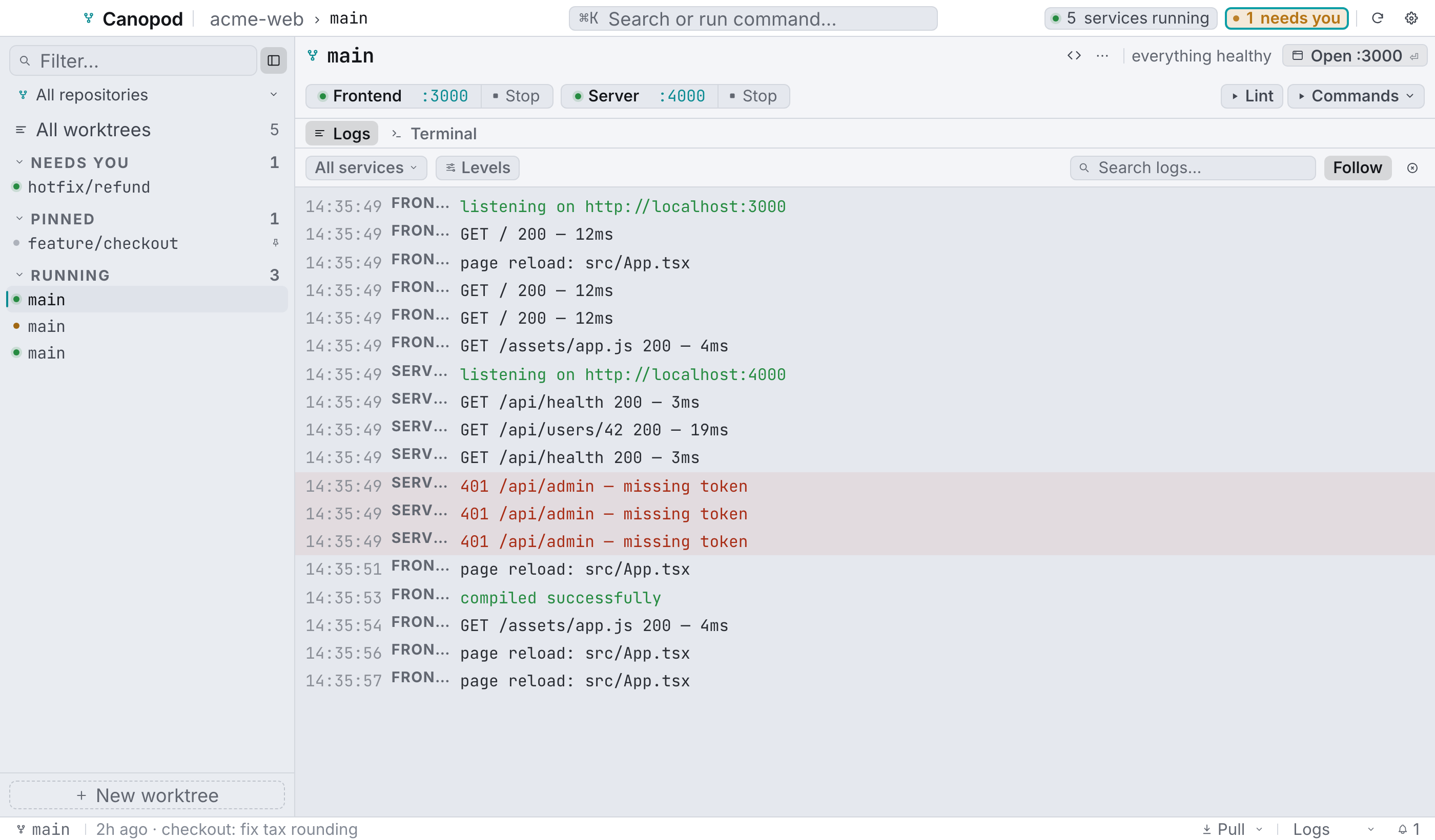
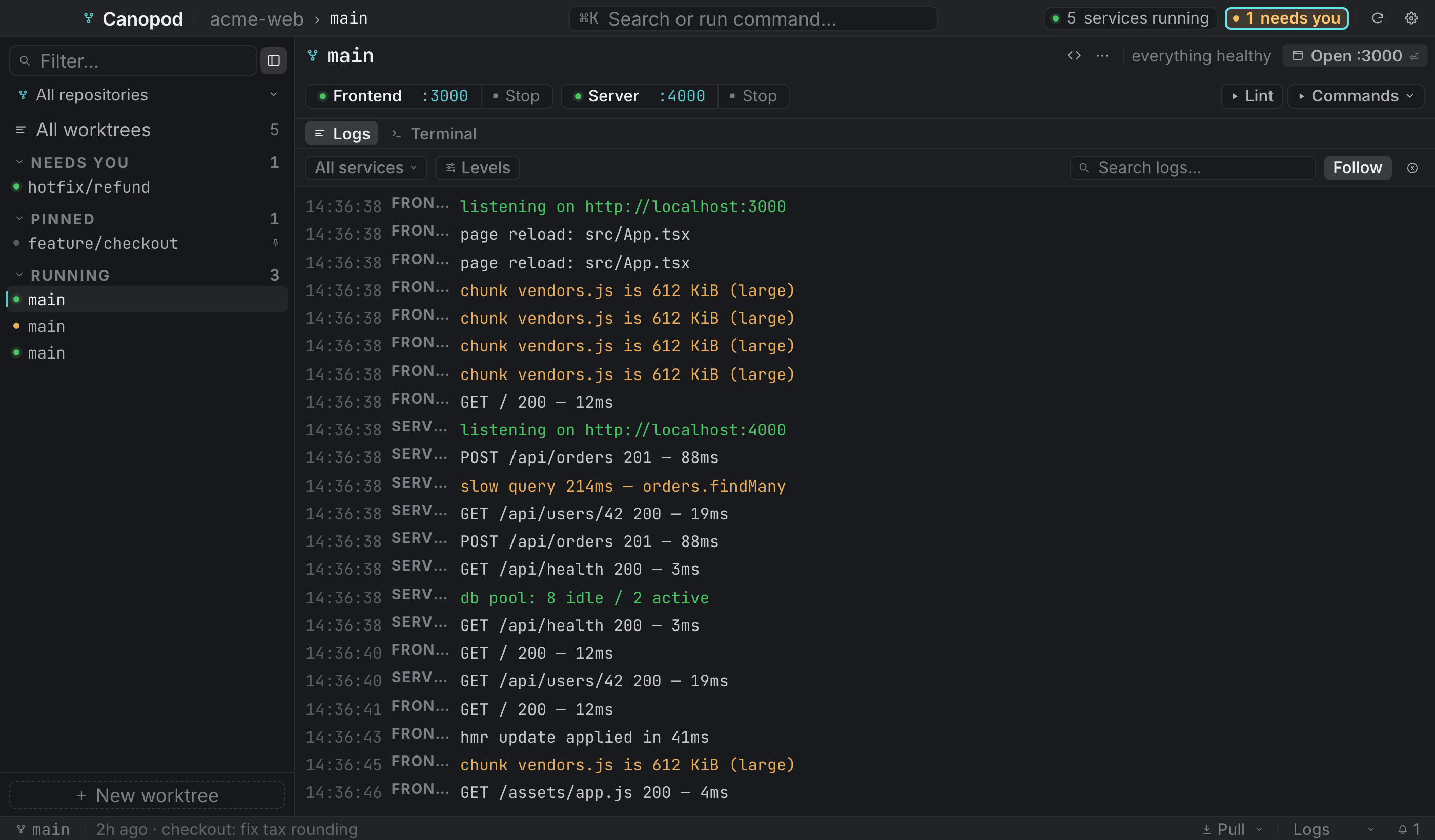
Clear notifications dismisses saved notices and setup reminders. Setup dismissal lasts for the app session and never marks setup complete. Individual dismiss buttons are also available. Live service crashes and waiting-agent requests remain until resolved.