Example: the ToolJet monorepo
ToolJet is the repository Canopod was developed against, and it exercises the harder parts: a monorepo with a separate frontend and server, git submodules with their own tracked branches, a plugins package that has to be built per worktree, and an engine-strict Node pin.
Services#
| id | name | kind | command | cwd | basePort |
|---|---|---|---|---|---|
frontend | Frontend | web | npm start -- --port $PORT | frontend | 8082 |
server | Server | server | npm run start:dev | server | 3000 |
The frontend takes its own port from $PORT. The server reads PORT from the worktree's .env.
.worktreemanager.json#
{
  "$schema": "canopod://worktree-manager/v1",
  "provision": [
    {
      "path": ".env",
      "format": "dotenv",
      "keys": {
        "PG_DB": "${WT_DB_NAME}",
        "PORT": "${WT_SERVER_PORT}",
        "TOOLJET_SERVER_PORT": "${WT_SERVER_PORT}",
        "TOOLJET_HOST": "http://localhost:${WT_FRONTEND_PORT}"
      }
    }
  ],
  "setup": [
    "npm install",
    "npm --prefix plugins install && npm --prefix plugins run build",
    "npm --prefix frontend install",
    "npm --prefix server install",
    "npm run db:create && npm run db:migrate"
  ],
  "migrate": ["npm run db:migrate"],
  "teardown": ["npm run db:drop"]
}
Three common failure modes#
1. TOOLJET_SERVER_PORT is baked at launch#
The frontend works out the server URL from process.env.TOOLJET_SERVER_PORT when webpack starts, falling back to 3000. Leave it out of the worktree's .env and every worktree's UI talks to the main checkout's server, which looks like a database bug and isn't one.
So TOOLJET_SERVER_PORT comes from the provisioned .env as ${WT_SERVER_PORT}, while the frontend's own port comes from --port $PORT in its command. Two mechanisms, both required.
2. Plugins have to be built per worktree#
The server imports @tooljet/plugins/dist/server. A worktree that skipped the plugins build fails its migrations with Cannot find module @tooljet/plugins/dist/server, which reads like a database problem and is a build-order problem. That's why the second setup step comes before the frontend and server installs.
3. Node 22, strictly#
ToolJet's server is engine-strict on Node 22.15.1. If your version manager's global default is older, npm install fails with notsup.
Canopod handles this without configuration. It reads the worktree's .nvmrc, .node-version or .tool-versions, finds that version's bin directory in asdf, nvm or fnm, and prepends it to PATH for every command it runs in that worktree: setup, services, migrate, reset, teardown, custom commands. Make sure the pinned version is installed:
asdf install nodejs 22.15.1 # or nvm install 22.15.1Submodules#
ToolJet carries submodules, and .gitmodules tracks a branch for at least one of them (something like branch = lts-3.16). Two operations, kept distinct:
| Action | What it does | When you want it |
|---|---|---|
| Pull (status bar) | git pull --ff-only, then advances each submodule: pulled if it's on a branch, moved to its pinned branch tip if .gitmodules names one, else synced to the recorded commit. | Getting up to date. |
Sync submodules (⇧⌘S) | git submodule sync + update --init --recursive, putting every submodule back on the commit the parent pins. | After switching the parent's branch, when submodules sit on the wrong commit. |
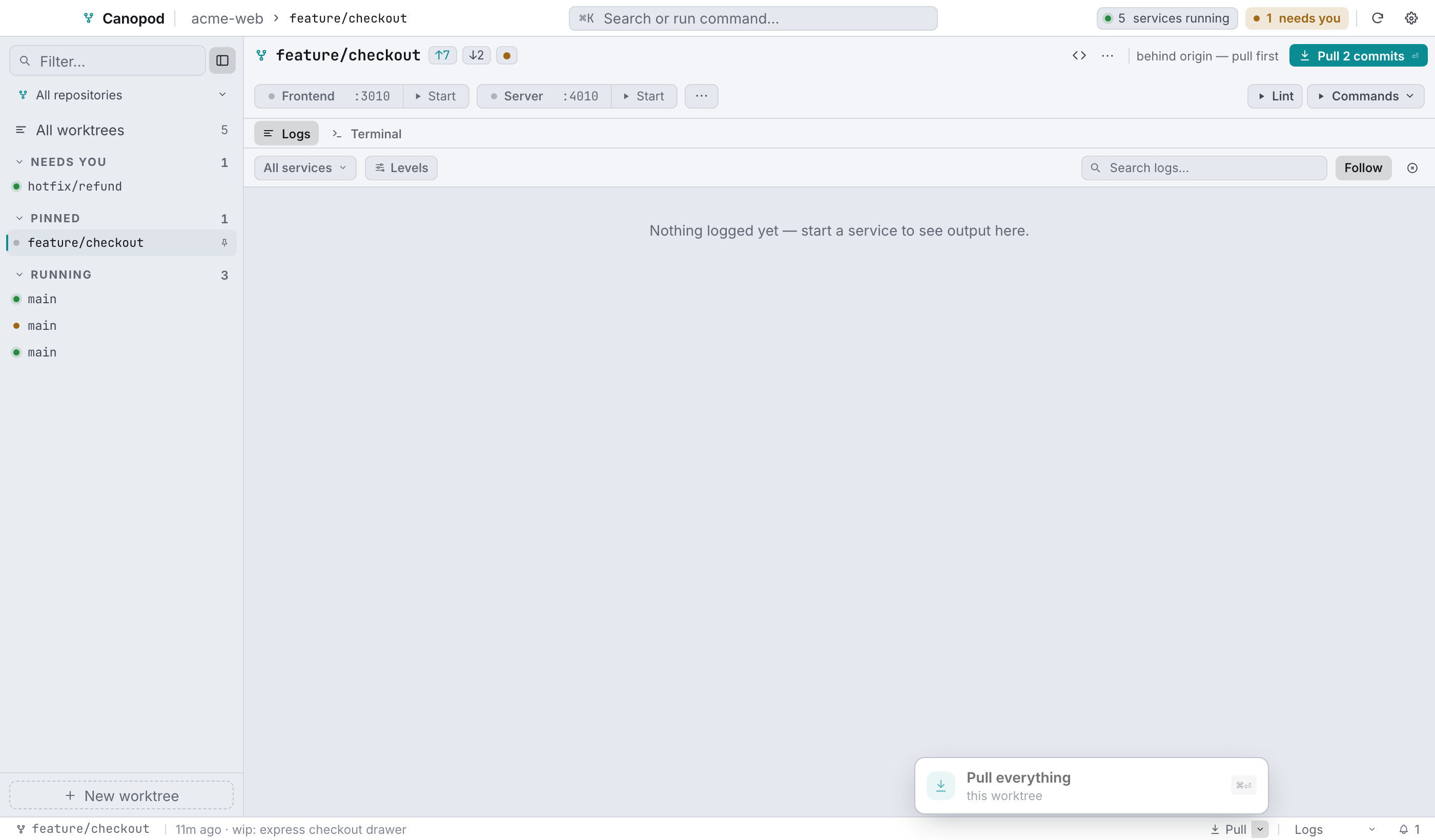
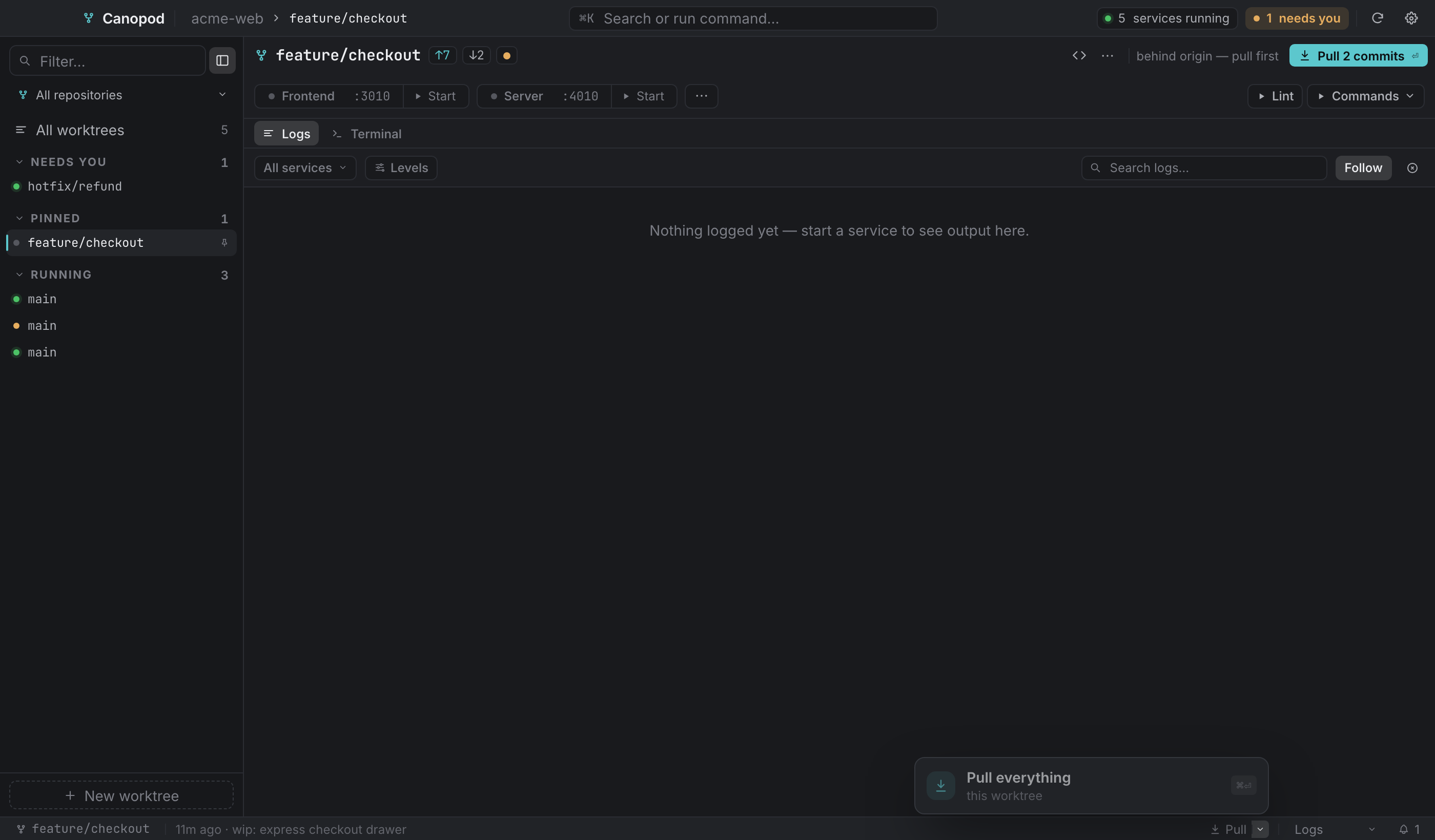
The pull popover's caret gives you per-submodule control: a status dot, its branch or detached <sha>, an ahead of pin marker, a branch switcher, and its own pull button.
Worktree creation initialises submodules with --reference against the main checkout, so a new worktree doesn't re-clone them. That matters when they're large.
Suggested commands#
| Label | Group | Command |
|---|---|---|
| Lint | Checks | npm run lint |
| Unit tests | Checks | npm test -- --run |
| Build plugins | Build | npm --prefix plugins run build |
| Open DB | — | psql $WT_DB_NAME |
The first row gets its own button in the service rail, and the rest collapse into the Commands menu under their group headings.
Databases#
With repository id tooljet, a worktree folder feat_history_state gives tooljet_feat_history_state. Every worktree points at the same Postgres server and differs only in database name.
A typical day#
- Sync in the top bar, which rescans worktrees and reconciles anything deleted on disk.
- Select the branch you're on and press
⏎to start frontend and server on its own ports. - Status bar Pull, then the database dialog's Run migration when migrations landed upstream.
⌘2to put the agent beside the logs, ⋯ → Context… to give it the issue and the acceptance criteria, then Start agent.- Review with the uncommitted-changes dot beside the branch name → Commit.
- When the branch merges: ⋯ → Remove worktree…, keeping Drop database ticked.