Repository settings
Everything below the repository picker belongs to one repository. Two files are being edited, and the status line always names which one is in scope:
| Page | Writes to |
|---|---|
| General, Services, Agents, Commands | settings.json (your machine) |
| Files, Setup | <repo>/.worktreemanager.json (the repo, so commit it) |
| Security | nothing yet |
General#
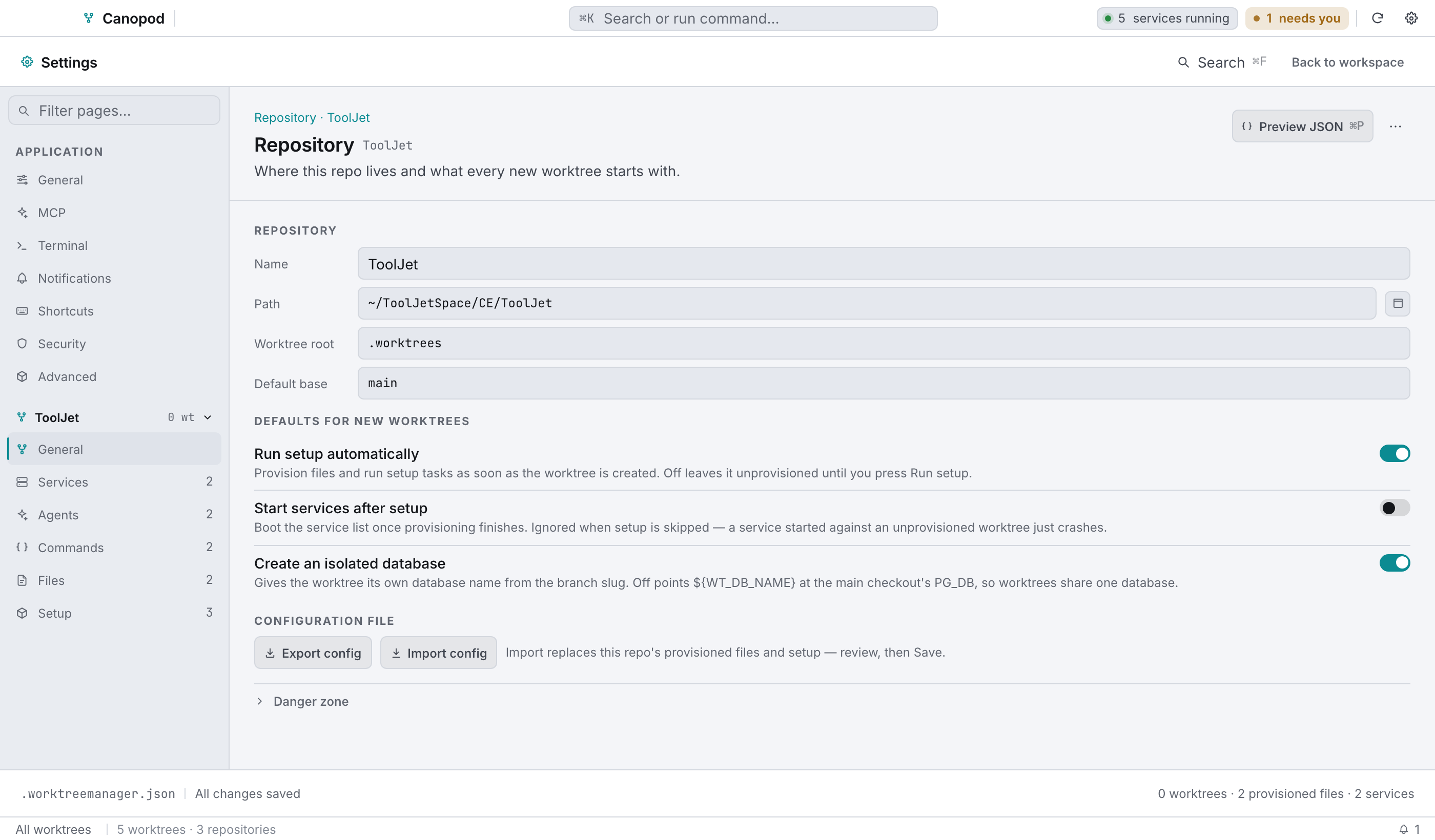
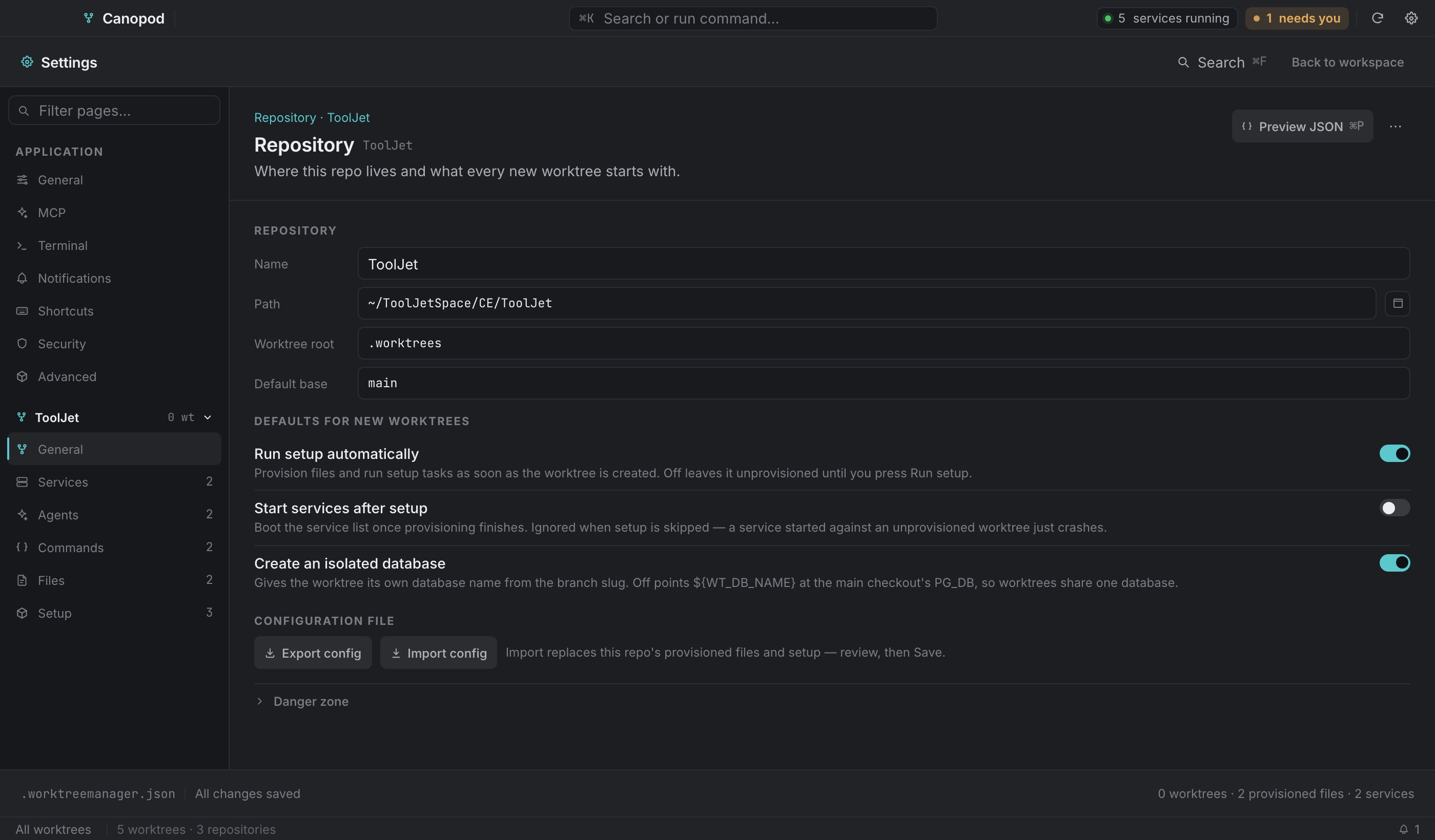
| Setting | Notes |
|---|---|
| Name | Display name across the app. |
| Path | The main checkout. Read-only, since a repository's path isn't something you'd retype. |
| Worktree root | Where new worktrees are created. Absolute, or relative to the repo. Empty means <repo>/.worktrees. |
| Default base | Not stored per repo yet. |
| Configuration file | Export config writes .worktreemanager.json to a path you pick. Import config replaces this repo's provisioned files and setup from a file you pick, for you to review and then Save. |
| Danger zone → Remove repository | Stops tracking the repo in Canopod and drops its configuration here: services, commands, agents. The repository, its worktrees and its .worktreemanager.json on disk are untouched. |
Services#
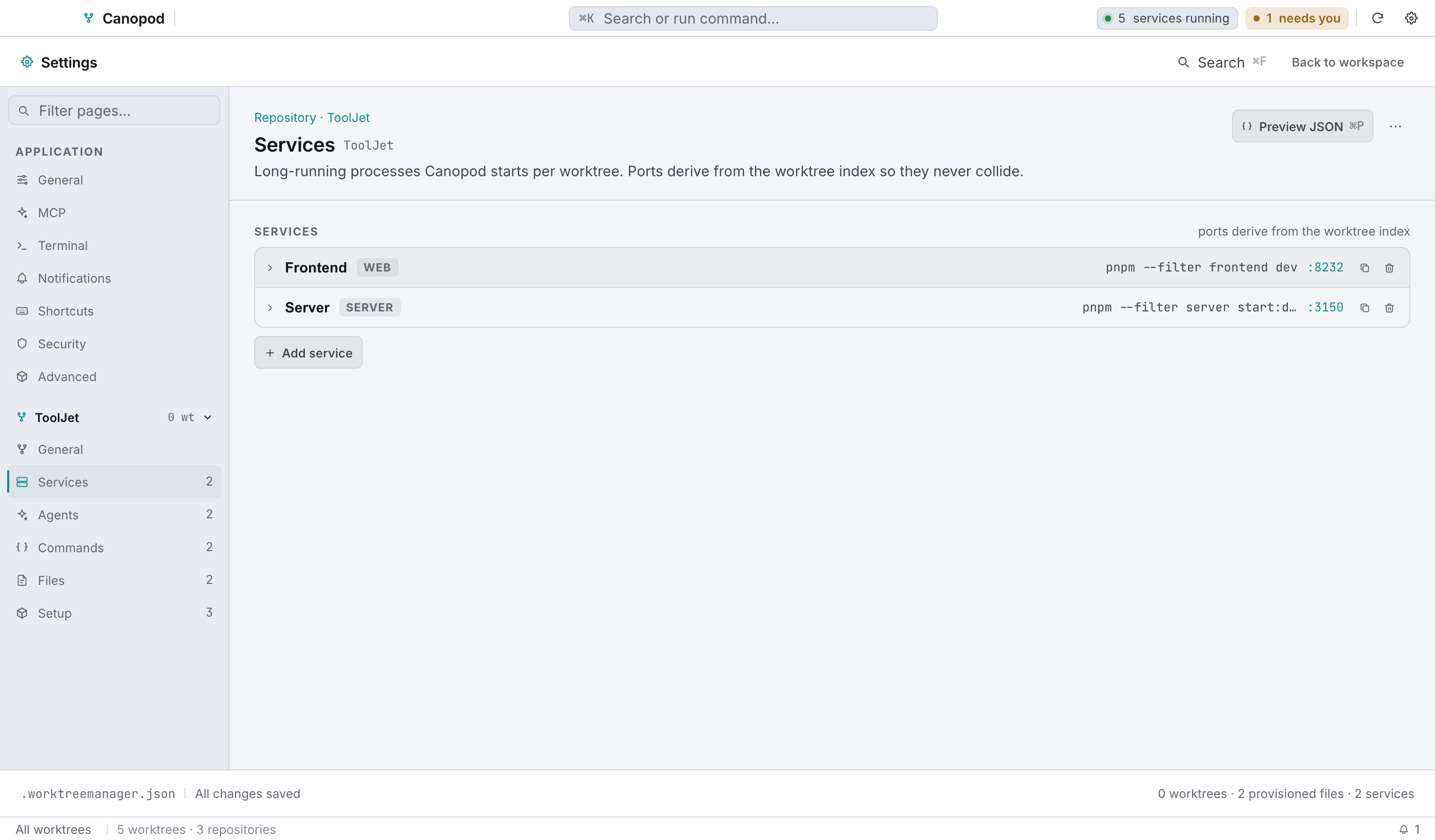
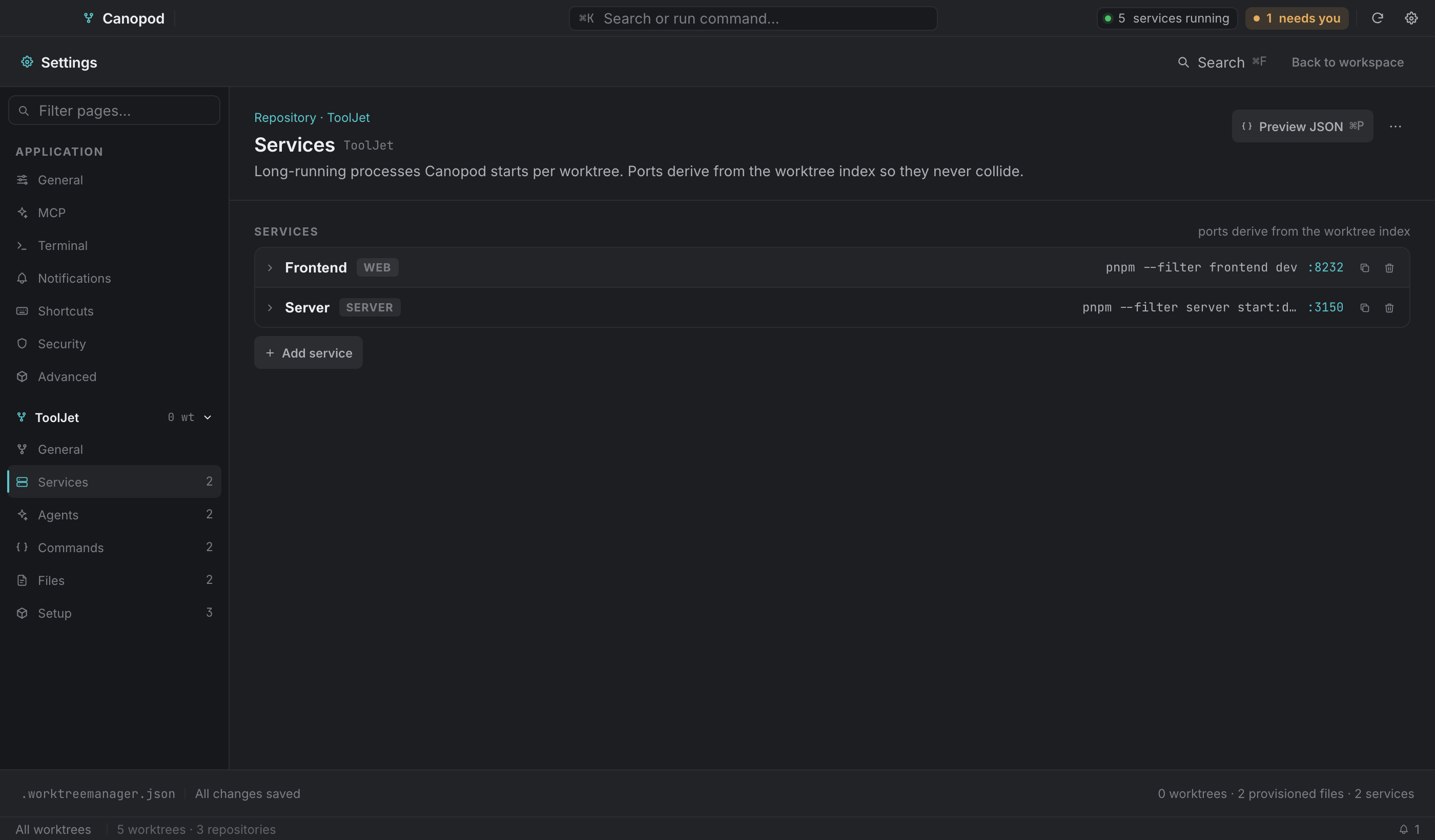
Rows collapse to name · kind · command · :basePort, with duplicate and remove actions. Open one and you get:
| Field | Notes |
|---|---|
| Name | Display name, and it becomes a port variable (${WT_<NAME>_PORT}). |
| Command | The shell command. Use $PORT for this service's own port. |
| Directory | Relative to the worktree root; blank means the root. |
| Base port | The formula's base. The hint shows the derived port for index 3, so you can see the arithmetic. |
| Kind | web, server, worker. |
| Advanced → Extra env | KEY=VALUE, one per line. |
| Advanced → Health check | Coming soon. |
Services with an empty id or command are dropped when you save.
Agents#
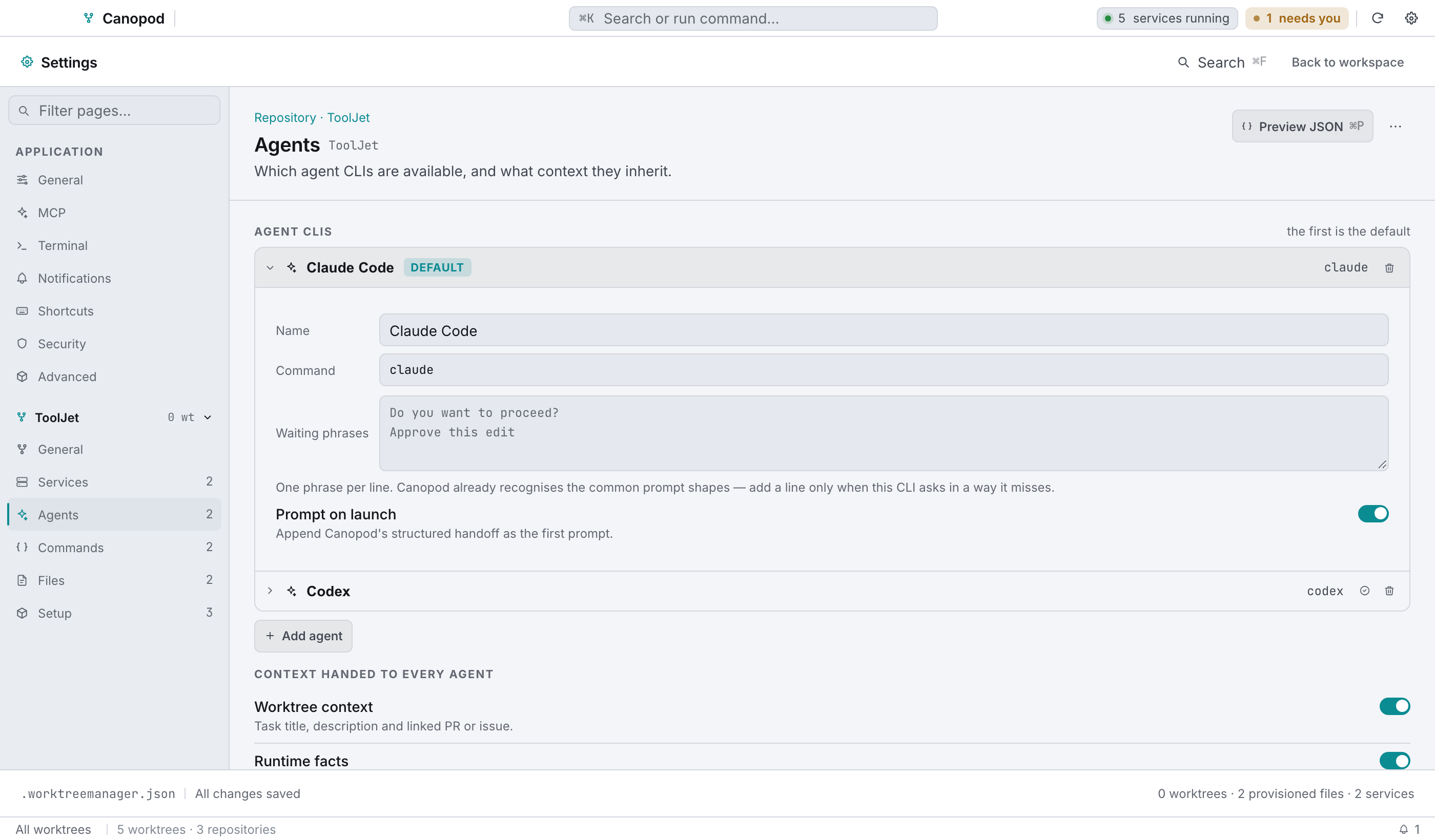
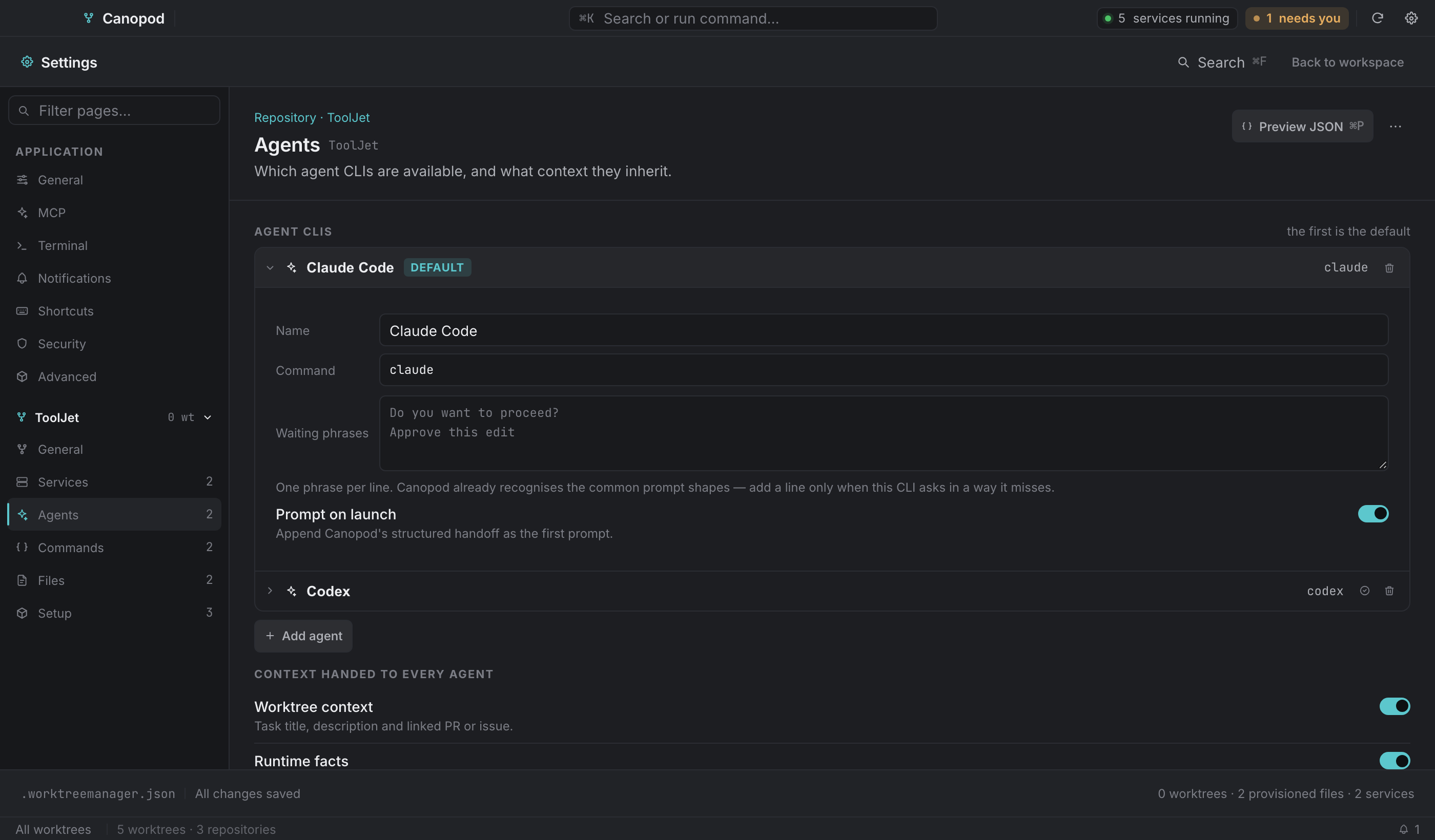
| Field | Notes |
|---|---|
| Name | The tab label in the agent lane. |
| Command | The CLI to run (claude, codex, aider, and so on). |
| Prompt on launch | Append Canopod's structured handoff as the first prompt argument. Turn it off for CLIs that take no positional prompt; they still get .canopod/context.md. |
The first profile in the list is the default, and a row's tick promotes it to first. Agents missing an id, name or command are dropped on save.
Commands#
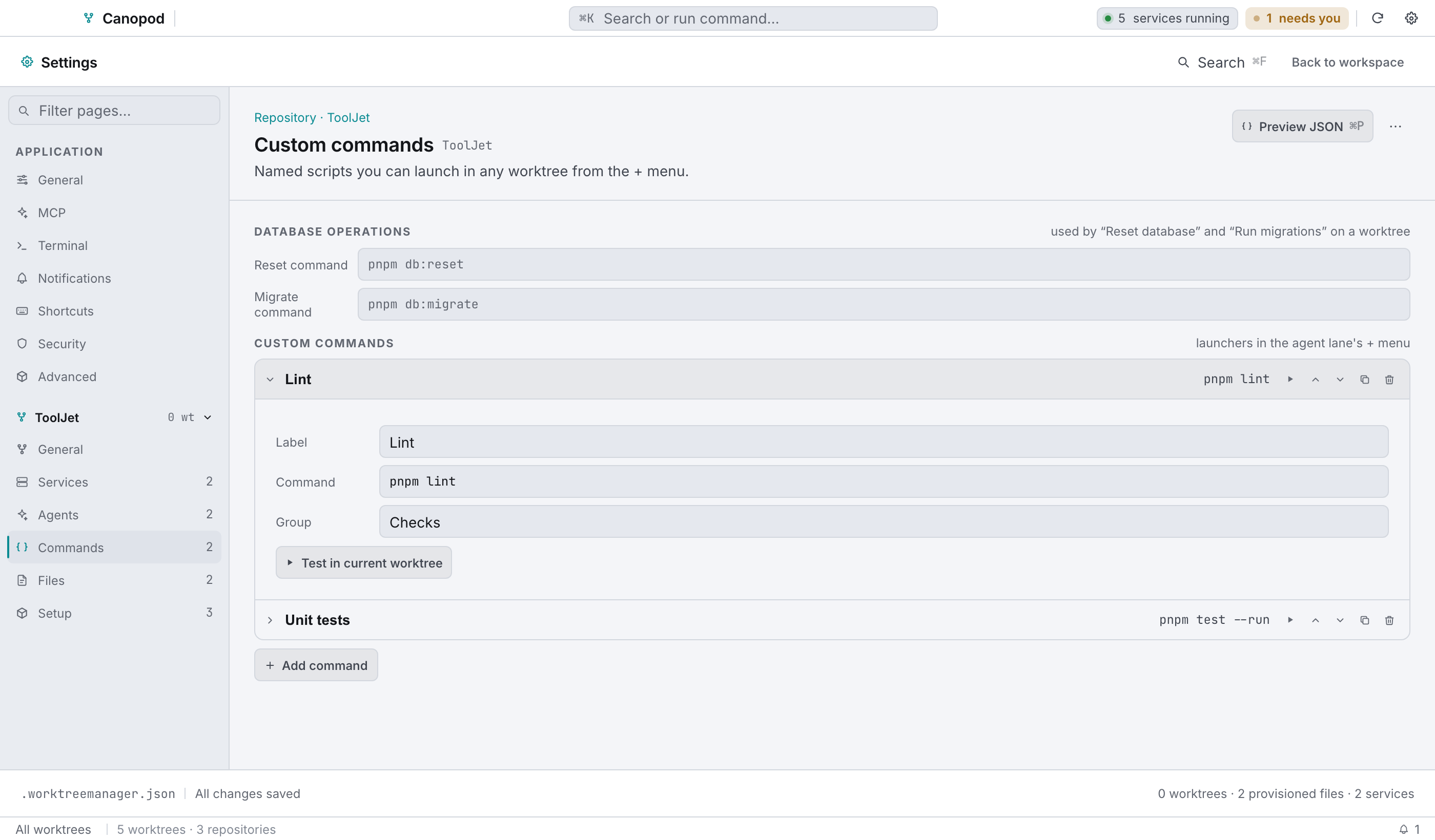
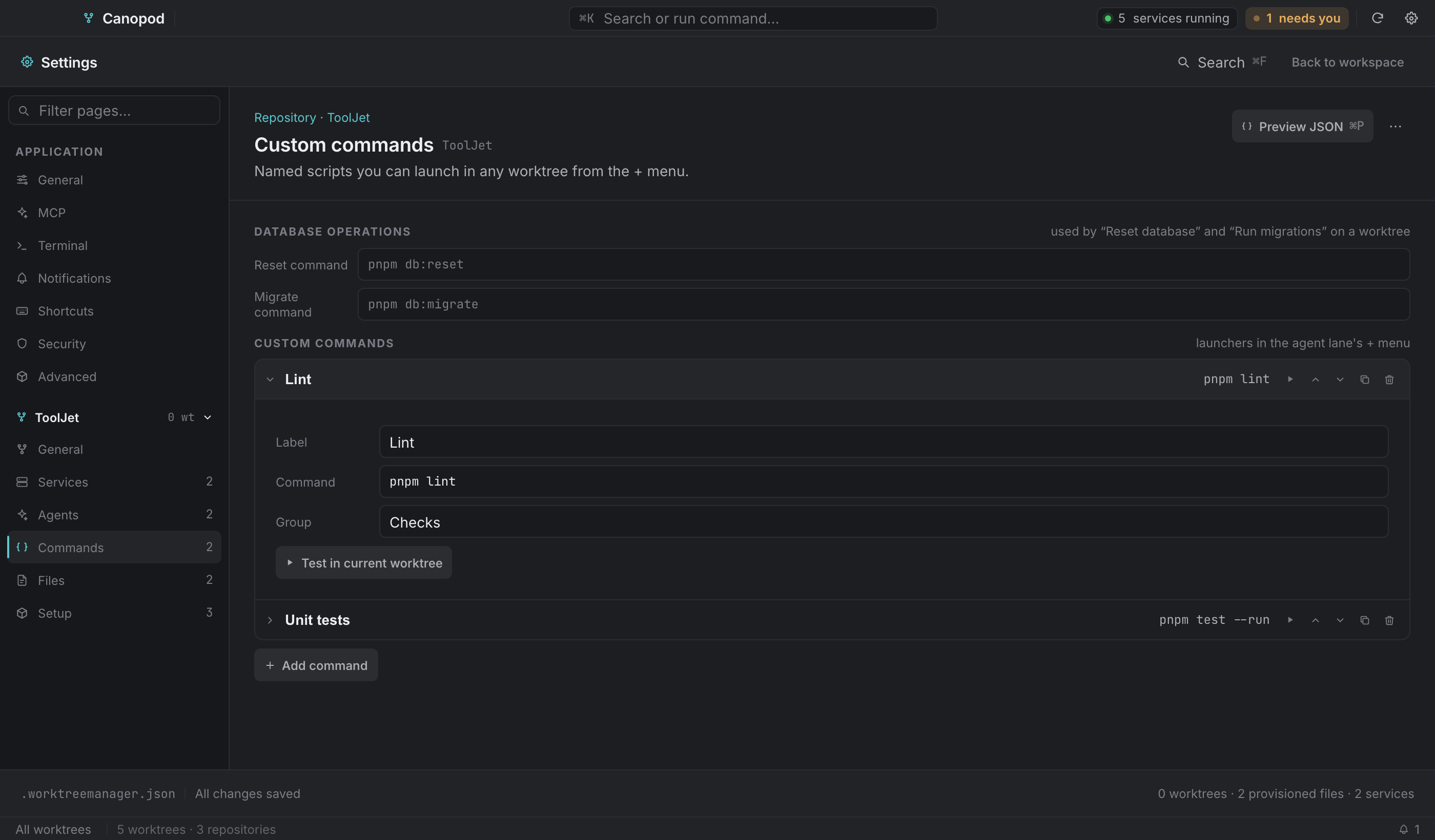
Database operations, used by the worktree's database dialog:
| Field | Used by |
|---|---|
| Reset command | Reset database. |
| Migrate command | Run migration. If it's empty, Canopod falls back to the migrate array in .worktreemanager.json. |
Custom commands, the launchers that show up in the service rail:
| Field | Notes |
|---|---|
| Label | The button or menu text. |
| Command | Runs in the worktree root, on the pinned toolchain, with every provisioning variable available. |
| Group | An optional heading in the rail's Commands menu. Existing groups are offered as suggestions, since grouping only works when names match exactly. |
Each row can be run once to test (in the currently selected worktree), moved up or down, duplicated or removed. The order here is the order in the rail, so the first row is the one that gets its own labelled button.
Files#
Files uses a compact list and focused editor. Use the WT_* variables when values depend on the worktree.
This page writes the provision array of .worktreemanager.json. Each entry is one file seeded and templated into every new worktree.
Select a file in the compact list, then edit its path, format, source and values in the focused editor. Formats include dotenv, JSON, YAML and text. Keyed formats upsert values; text supports interpolation. The page also edits teardown and migration commands. Unsupported policy controls remain disabled rather than silently changing configuration.
Setup#
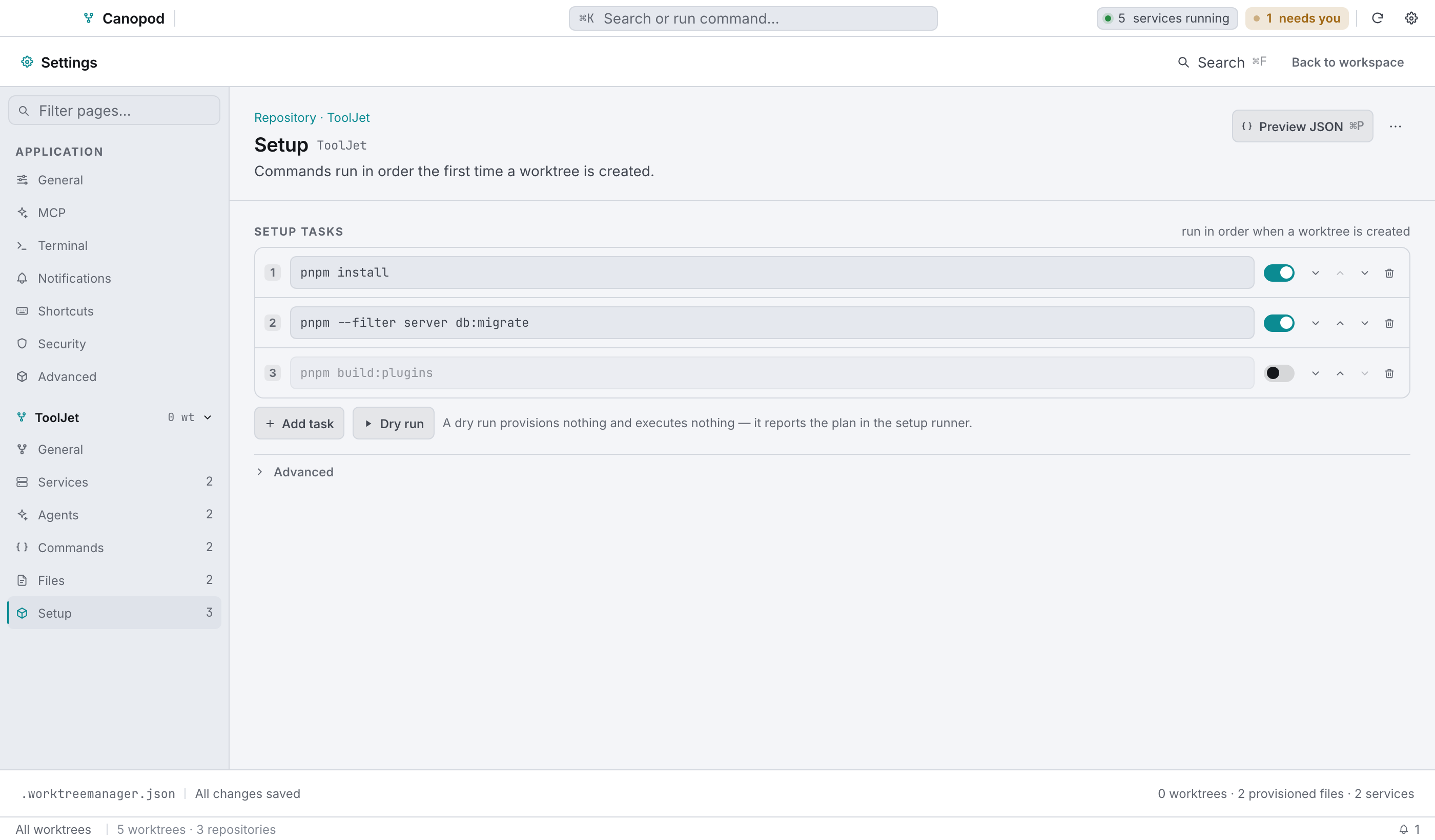
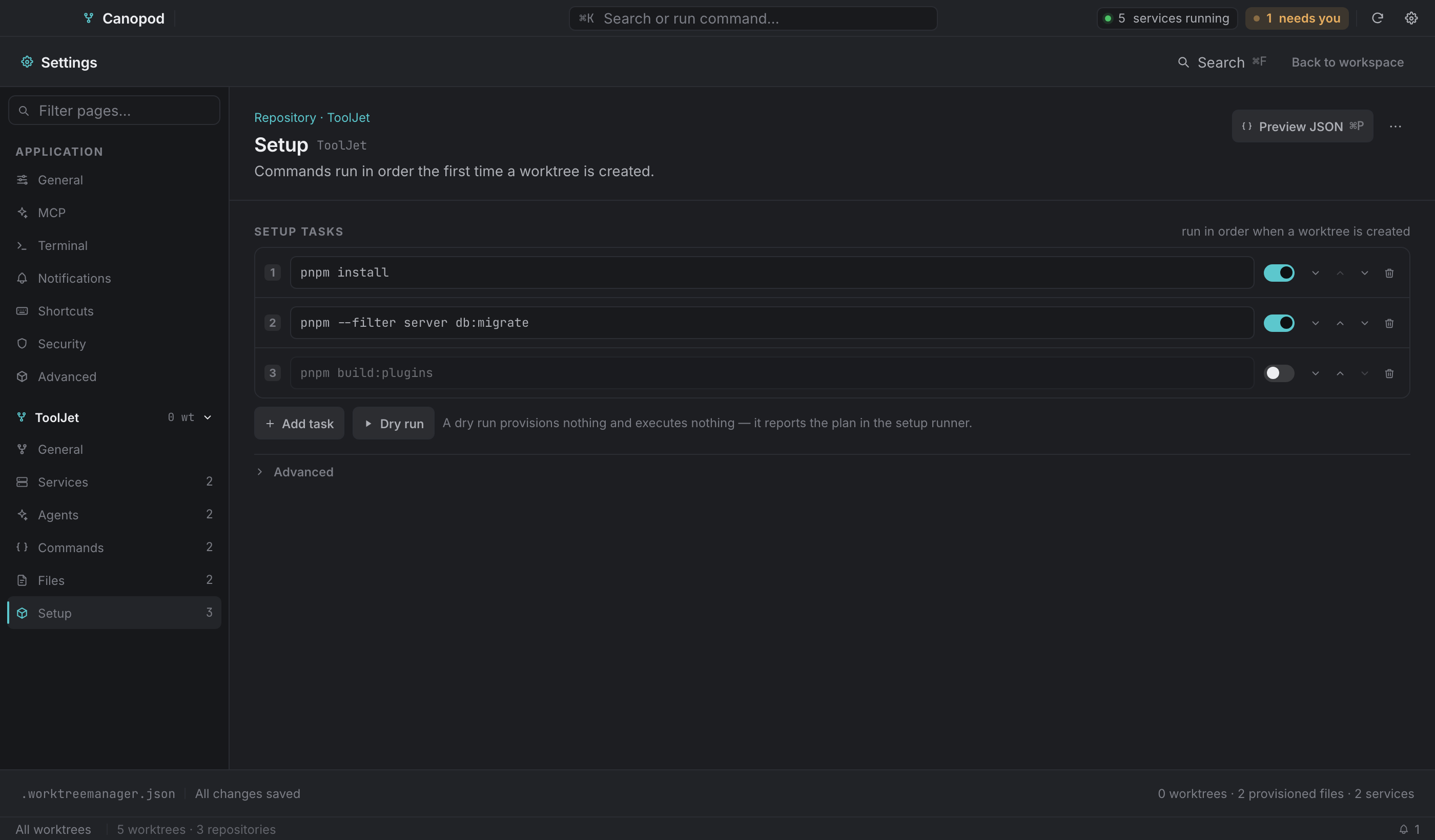
The setup array of .worktreemanager.json: commands that run in order the first time a worktree is created, and again whenever you use Run setup…. Rows move up and down, and the numbering is the run order.
Setup tasks support enabled state and per-task working directories, with failure and timeout policy in the repository configuration. Review these values before running setup.
Security#
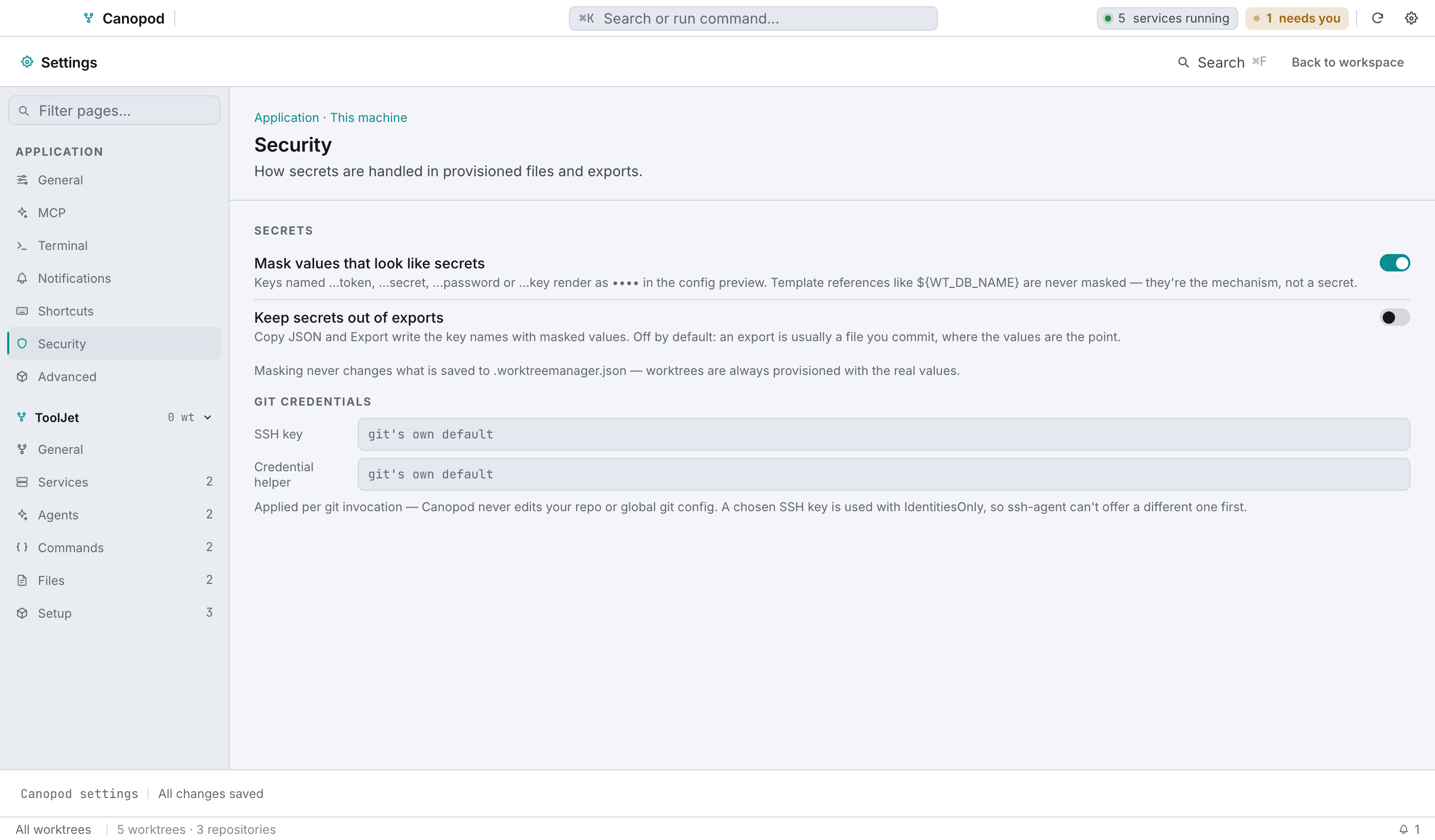
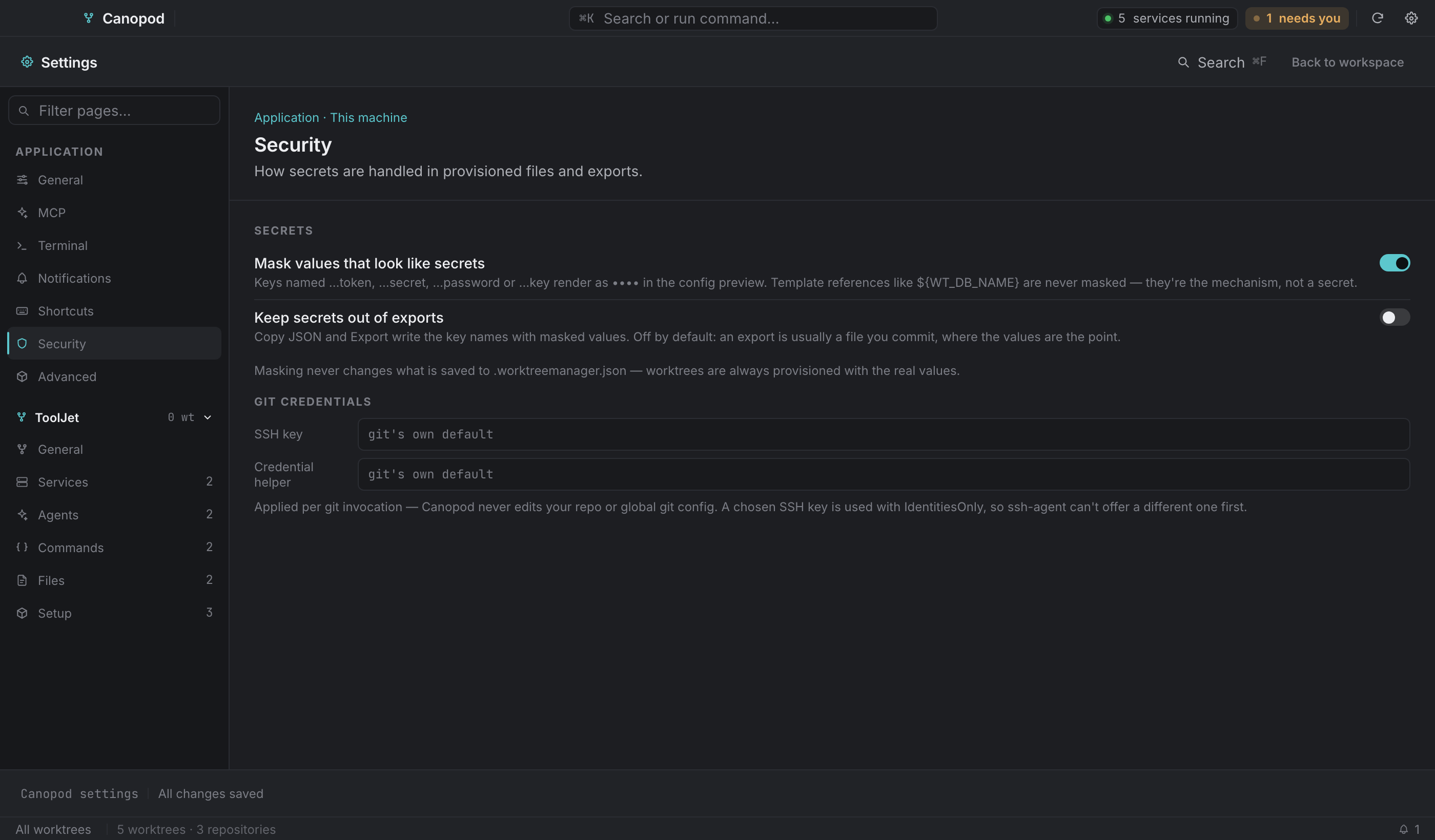
Security is application-wide. Secret masking controls the JSON preview; export masking is a separate option. Masking never changes the real values saved to .worktreemanager.json. SSH key and credential-helper overrides apply to Canopod's Git invocations without editing repository or global Git configuration.
The JSON preview#
⌘P, or Preview JSON, opens the config as a syntax-highlighted, line-numbered panel beside the editor. It's built from the same model the save writes, so it's a preview and not a re-read of disk.
The ⋯ menu beside it offers:
- Copy JSON, the whole document to the clipboard.
- Export config…, writing it to a path you choose.
- Load from repo file, which reads the repo's own
.worktreemanager.jsonby path. It exists because the file is hidden and a macOS file picker can't see it. - Import from file…, a file picker for a config from somewhere else.
Import and Load both stage the change as unsaved, so you review it and then Save.